The Ultimate Guide to Reverse Email Lookup Services: Unmasking the Inbox
You just received a new lead notification. Or maybe it’s a job application, or a suspicious DM on LinkedIn.
You have one piece of data: j.doe88@gmail.com.
Is this a Fortune 500 CEO worth your immediate attention? Or is it a bot trying to inject malware into your CRM? In the blind world of digital communication, that single string of text is your only clue.
In 2026, an email address isn’t just a mailbox; it is a Digital Identity. It is the key that unlocks a user’s social footprint, professional history, and physical location.
This guide covers Digital Identity Resolution, the art of turning a “blind” email address into a 360-degree profile using Reverse Email Lookup services.
What is a Reverse Email Lookup Service?
Think of a standard Google search as looking at the tip of an iceberg. You only see what is on the surface (web pages, forums).
A Reverse Email Lookup Service is a deep-dive tool. It is a specialized search engine or API designed to answer one critical question: “Who is the human behind this email address?”
While Google indexes websites, reverse lookup tools query Deep Web databases, global public records, and social graphs that standard search engines cannot access. It aggregates billions of data points to build a comprehensive dossier on the owner in milliseconds.
The Difference Between Email Verification and Reverse Lookup
It is crucial not to confuse these two technologies. They solve different problems:
- Email Verification (SMTP Check): Answers “Does this email exist?” It ensures the mailbox can receive messages. This is for Deliverability.
- Reverse Lookup (Identity Check): Answers “Who owns this email?” It focuses on Identity.
The Reality: Scammers use valid email addresses, too. To protect your business, knowing an email works isn’t enough; you need to know who controls it.
How Open Source Intelligence (OSINT) Works
Reverse email lookup tools rely on OSINT (Open Source Intelligence). They don’t “hack” private accounts. Instead, they aggregate the breadcrumbs users voluntarily leave behind:
- Social Media Scrapes: Linking the email to LinkedIn, X (Twitter), Facebook, and Instagram profiles.
- Public Records: Cross-referencing business filings, domain registrations, and professional licenses.
- Data Breach Histories: Paradoxically, if an email appears in an old data leak (checked safely), it confirms the account has a long history of real-world use.
Top Use Cases: Why Businesses Need Reverse Email Lookup
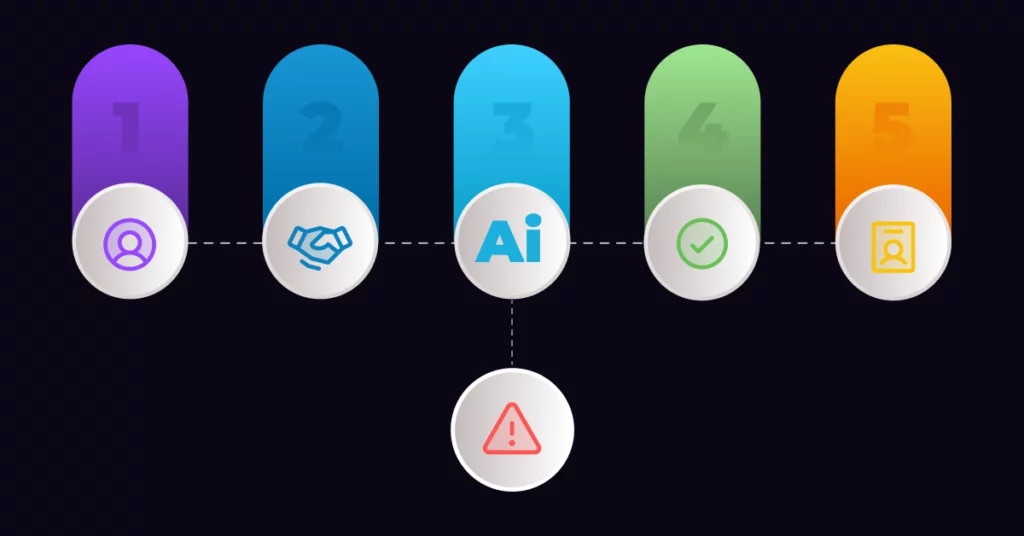
Unmasking an email owner isn’t just about curiosity; it is a critical layer of defense and revenue generation.
1. Sales and Lead Enrichment (From Cold Call to Warm Handshake)
For Sales Development Reps (SDRs), a “naked” email address provides zero context. Sending a generic blast to alex.smith@company.com guarantees a low open rate.
A reverse lookup tool transforms that email into a rich profile, revealing:
- Job Title & Function
- Company Size & Revenue
- LinkedIn URL & Location
This allows you to craft a hyper-personalized pitch. Instead of “Dear Sir,” you can say, “Hi Alex, saw you recently joined [Company] as VP of Sales…”
Pro Tip: Don’t do this manually. Modern teams sync this data directly into their CRM. Learn how to connect your data stack with VoiceDrop Integrations to automate your enrichment.
2. Fraud Prevention and Risk Scoring
In SaaS and E-commerce, anonymity is a fraudster’s best friend.
Imagine a user signs up for a high-value trial using ceo@amazon.com. Looks like a whale, right? But a reverse lookup reveals:
- No social footprint.
- Domain created yesterday.
- IP address doesn’t match the location.
This is a massive red flag. Businesses use these tools to assign “Risk Scores” to stop chargebacks and fake accounts instantly. (If you’ve been targeted, see the FTC’s guide on Reporting Online Fraud.
3. Recruitment and Candidate Screening
HR teams use this as a “pre-background check.” It confirms that the candidate is who they claim to be. If the email on the resume matches the professional history found online, you can filter out “catfish” applicants and verify credentials faster.
How to Perform a Reverse Email Search (Step-by-Step)
Step 1: Choose the Right Tool (Avoid “People Search” Sites)
Avoid generic “People Finder” sites that tease you with free results but demand a credit card to show you “Police Records.” These rely on outdated voter rolls. Instead, use specialized B2B or OSINT tools designed for digital data.
For a quick technical analysis, like checking if the domain is valid or identifying the carrier, free tools are the best starting point.
- Action: Run a free reverse email lookup on Emailchaser to see the name and company behind the address, with no sign-up. Emailchaser is built by the same team as VoiceDrop.
Step 2: Analyze the “Digital Footprint” Score
Once you have the results, you need to interpret the “Digital Footprint.”
- ✅ High Quality (Safe/Real): Results return a full name, profile photo, LinkedIn account, and physical location. This indicates a real human with a professional history.
- ⚠️ Low Quality (Suspicious): Results show no name and no social media accounts.
- ❌ The “Ghost” Result: If an email returns absolutely zero results, be warned. In 2026, it is highly rare for a legitimate professional to have zero digital footprint. A “Ghost” email is often a burner account used for fraud.
Top Reverse Email Lookup Tools Comparison (2026)
Not all tools are created equal. Here is how the top market solutions stack up based on your specific goal.
1. VoiceDrop (Best for Sales & Outreach)
VoiceDrop isn’t just about finding data; it is about actioning it. While standalone lookup tools give you a static report, VoiceDrop validates the contact and enriches the lead profile simultaneously.
It ensures your sales team is only reaching out to real people with verified data, allowing them to dial with absolute confidence.
- Book a Demo to see our enrichment engine in action.
2. HaveIBeenPwned (Best for Security Checks)
Created by security expert Troy Hunt, this is the gold standard for data breach history. It allows you to check if an email has been compromised in major leaks.
- Why use it? It verifies the longevity of an email. If an email was breached 5 years ago, it’s likely a real, long-term account. Check the HaveIBeenPwned Database.
3. SEON (Best for Fraud Detection)
SEON is designed for banks and payment gateways. It focuses on “Digital Footprinting” to detect multi-accounting and synthetic identities. It is less about finding a name and more about assessing risk.
The Ethics and Legality of Email Investigation
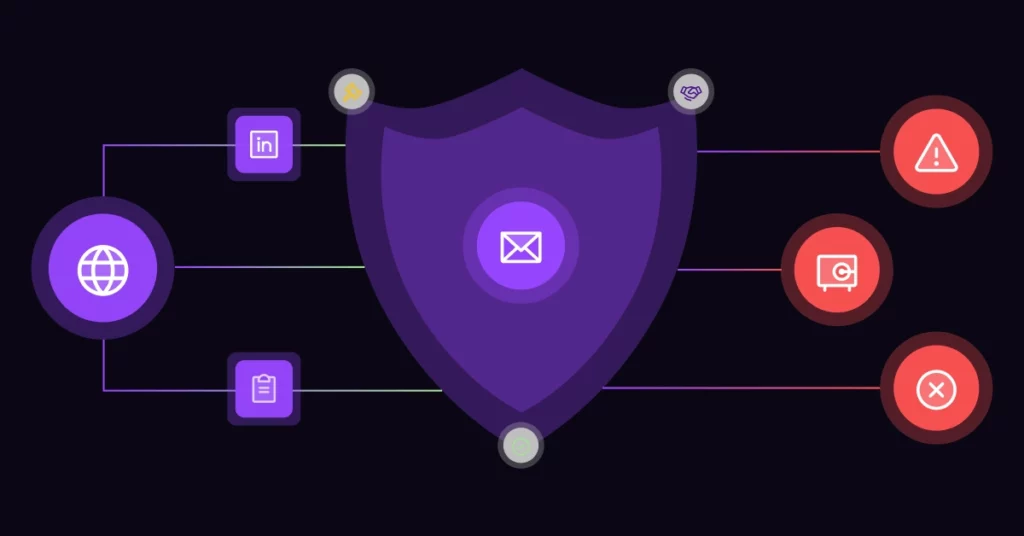
Is Reverse Lookup Legal? Yes. Reverse email lookup services are fully legal because they access Publicly Available Information (PAI). They do not hack passwords. They simply aggregate data that users have voluntarily placed on the public internet (LinkedIn, bios, business registrations).
GDPR & Compliance Note: If you are storing this data (Data Enrichment), you must comply with privacy laws like GDPR (Europe) and CCPA (California). Use this data for legitimate business interests, like fraud prevention or relevant B2B outreach, never for stalking or harassment.
Best Practices: The “Don’t Be Creepy” Rule
Just because you can find everything about a prospect doesn’t mean you should use everything.
- ❌ The Wrong Way: “Hey, I saw on your personal Facebook that you just got a new Golden Retriever.” (This scares prospects.
- ✅ The Right Way: “I saw on LinkedIn that you recently joined Company X as VP of Sales.” (This shows professional research).
Pro Tip: For the highest verification confidence, use a “Two-Point Match.” Match the name on the email address to the name on the phone number. When these align, you have near 100% certainty.
Conclusion: Knowledge is Security
Ignorance is expensive. Whether you are protecting your business from a synthetic fraudster or trying to close a deal with an elusive CEO, you cannot afford to fly blind.
An email address is more than just a destination for your message; it is a digital fingerprint. Stop guessing who is in the inbox. Start using automated reverse lookup tools to reveal the truth, protect your revenue, and build deeper connections.
FAQ’s
Can I find a phone number from an email address?
Often, yes. If the user has listed both their email and phone number on a public profile (like a resume, portfolio, or social network), a reverse lookup tool can connect the dots and provide the phone number.
Is there a truly free reverse email lookup?
Most “Free” tools provide basic technical data (domain validity, format). However, accessing premium social data and public records usually requires a paid credit, as those databases cost money to query.
What if an email address returns no results?
If a lookup returns no data, the email is likely very new or a disposable “burner” address. In a business context, a “No Data” result is a major red flag.
Don’t take the risk. Check the address against 1Lookup’s reverse email append API to make sure you aren’t dealing with a disposable or fake address. 1Lookup is built by the same team as VoiceDrop.