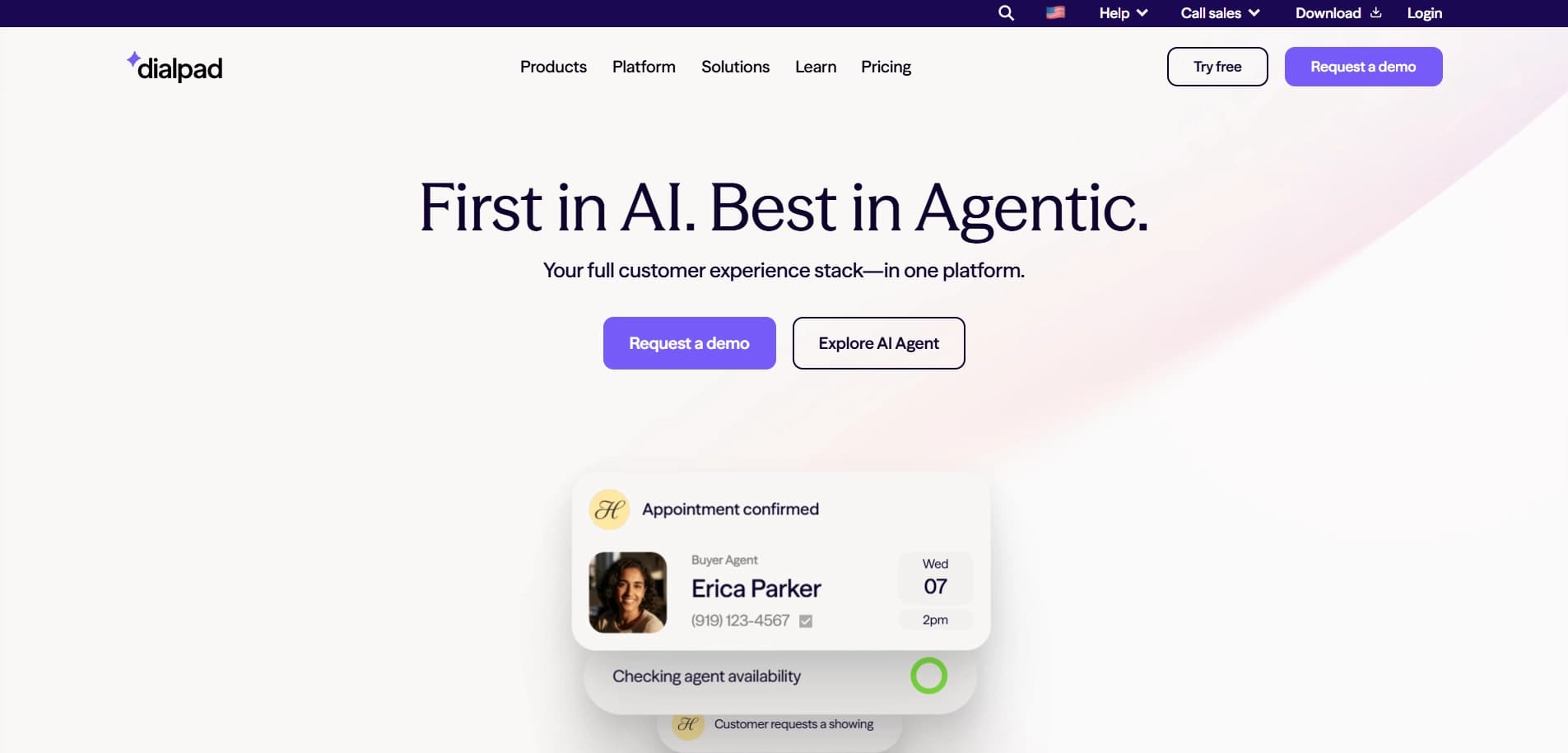
Dialpad positions itself as a “truly unified” communications platform designed to help teams work smarter, not just harder, by leveraging built-in Artificial Intelligence.
According to Dialpad, the product empowers sales and support teams to transcribe calls in real-time, track customer sentiment, and automate note-taking by combining voice, video, messaging, and meetings into a single AI-driven interface.
In this review, we take a closer look at Dialpad by analyzing what the company claims to offer, how users describe their experiences across platforms like G2, Capterra, and Trustpilot, and what potential buyers may want to consider before committing in 2026.
Dialpad Overview
Dialpad presents itself as a solution primarily for modern sales teams, customer support agents, and distributed workforces who need a flexible business phone system without the hardware limitations of a legacy PBX.
It is commonly marketed as a tool that “kills the desk phone” by allowing users to switch seamlessly between devices during live calls.
According to the platform, key capabilities include:
- Voice Intelligence (Vi) for real-time transcription
- Live sentiment analysis and coaching
- Omnichannel support (Voice, Video, SMS)
- Native CRM integrations (Salesforce, HubSpot, Zendesk)
- Global scalability
- HD call quality
- Automated post-call summaries
- Real-time analytics dashboards
So, does Dialpad actually deliver these results for real users?
To answer that, we analyzed reviews across multiple reputable platforms to see what real businesses are experiencing. Let’s break it all down.
User reviews and ratings
On G2
Rating: 4.4/5 (3,500+ reviews), with a vast majority of reviewers awarding 4 or 5 stars. From the “Pros & Cons” summary generated from user reviews, the most frequently mentioned positives are:
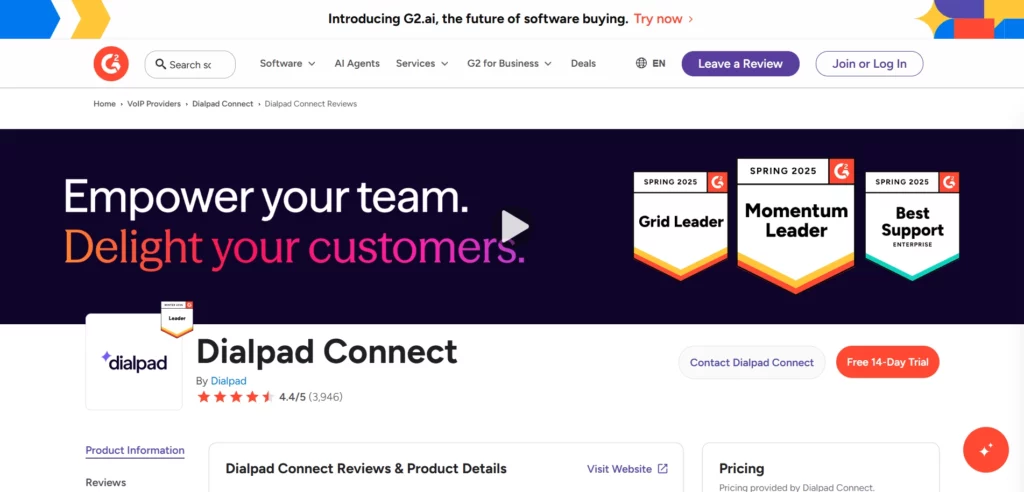
- Voice Intelligence & Transcription (Frequent mentions)
- Call Quality & Reliability (Frequent mentions)
- Mobile App functionality (Multiple mentions)
- Ease of Administration (Multiple mentions)
- CRM Integration depth (Multiple mentions)
On the negative side, a smaller number of reviewers mention:
- Hidden fees for add-ons (Several mentions)
- Customer Support response times (Some mentions)
- Messaging limitations on basic plans (a few mentions)
- Billing transparency issues (a few mentions)
(Credit: G2)
On Capterra
Rating: 4.2/5 (500+ reviews) Capterra reviews often highlight the “work from anywhere” capability and the modern interface. According to multiple reviewers, the software performs exceptionally well for remote teams needing to stay connected.
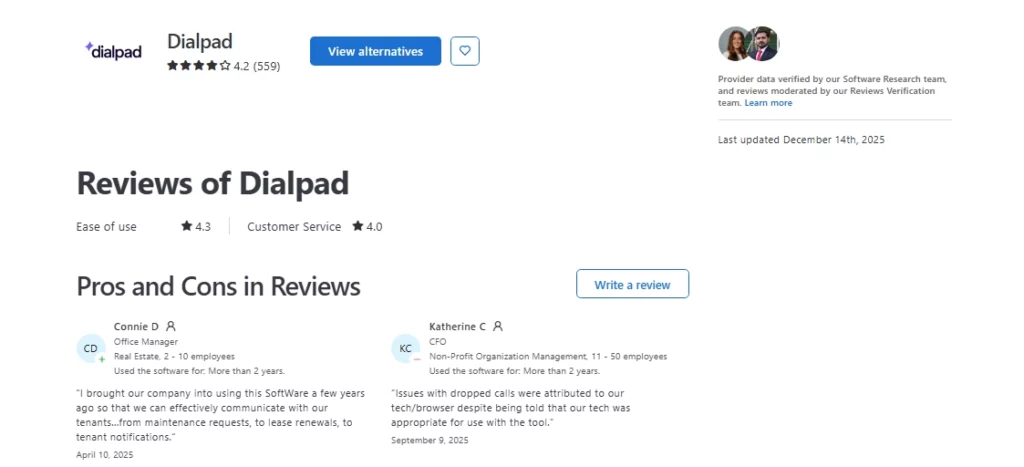
Positive feedback frequently mentions:
- The utility of AI-generated summaries, which helps agents recall details without listening to complete recordings. This aligns with productivity statistics showing that automating administrative tasks significantly boosts sales performance.
- The seamless ability to “flip” calls from desktop to mobile without interruption.
- A user-friendly admin portal that makes provisioning new numbers instant.
Negative feedback on Capterra tends to focus on the learning curve of advanced features. Some users describe the analytics dashboard as overwhelming for smaller teams who just want basic phone lines. Others mention occasional glitches with Bluetooth headset connectivity.
(Credit: Capterra)
On Trustpilot
Rating: 4.1/5 (2,500+) Dialpad’s Trustpilot presence is polarized compared to the highly rated G2 and Capterra profiles.
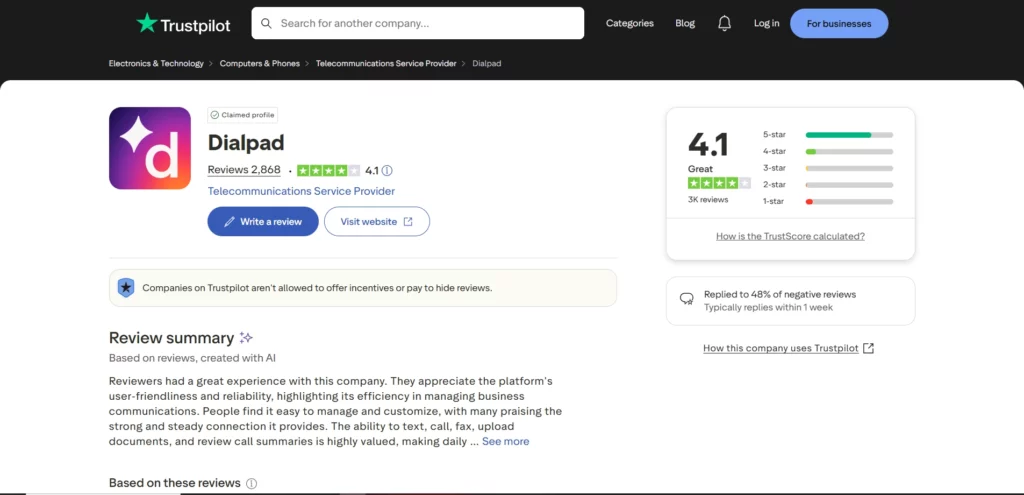
Trustpilot reviews highlight:
- Technical Stability: Positive reviews praise the platform for maintaining high uptime and clear call quality even in low-bandwidth environments.
- Contract & Billing: The lower scores are primarily driven by users’ frustration with auto-renewals, contract terms, and “porting out” numbers when leaving the service, which is a frequent pain point in the telecom SaaS industry.
- Feature Delivery: Users who leave positive ratings emphasize that the “Voice Intelligence” features are a game-changer for coaching and training new reps.
(Credit: Trustpilot)
Review Authenticity
Each platform applies its own moderation and verification processes.
- G2 requires account verification and uses internal checks to reduce inauthentic reviews.
- Capterra describes a combination of automated systems and human moderation to verify that reviewers are genuine users and to filter out spam.
- Trustpilot is an open platform, but it has strict guidelines against incentivized reviews.
On G2 and Capterra, many Dialpad reviews are labeled as “Verified Current User,” indicating thatthey authenticated via LinkedIn or a business email.
Another proper signal is timing. Reviews for Dialpad appear across a wide range of dates spanning several years on G2 and Capterra, rather than being clustered into a short time window.
This steady accumulation suggests that feedback is submitted on an ongoing, organic basis rather than during a single coordinated marketing push.
Overall, the publicly visible metadata shows an innovative product with a strong reputation for technology, despite some friction regarding administrative policies on consumer-focused sites like Trustpilot.
Pros & Cons
Dialpad’s pros
- Voice Intelligence (Vi): Users consistently cite the real-time transcription as the #1 benefit. This allows agents to focus on the conversation rather than taking notes, ensuring better engagement and compliance with recording regulations.
- Unified App: Many reviewers note that having video, voice, and chat in a single window reduces “app fatigue” and context switching.
- Live Coaching: The ability for managers to see live transcripts and “whisper” into calls to assist agents is frequently mentioned as a massive training asset.
- Device Flexibility: Users appreciate the ability to answer a business call on their laptop and transfer it to their cell phone instantly as they walk out the door.
- Integration: Deep integrations with Salesforce and Zendesk automatically log calls, reducing data entry.
Dialpad’s cons
- Support: A notable number of reviewers find the tiered support structure frustrating, with slower response times for non-enterprise customers.
- Add-on Costs: Unlike some all-inclusive competitors, Dialpad often charges extra for toll-free numbers, additional local numbers, or specific international calling capabilities.
- SMS Limitations: Some users note that SMS marketing features are more strictly regulated and limited than on dedicated SMS marketing platforms.
- Reporting Complexity: A few users mention that while the data is robust, building custom reports can be difficult without a dedicated admin.
If Dialpad’s cons, like support delays or tiered pricing, are dealbreakers for you, we have compiled a list of the Best Dialpad Alternatives that might better fit your sales workflow.
Don’t invest in any tool before…
Considering the following tips:
- Check multiple review platforms to ensure consistent user feedback.
- Look at the timing of reviews; sudden bursts of positive reviews can be a red flag.
- Research what people are saying on forums like Reddit for more unbiased opinions.
- Ask fellow business owners about their experiences with the service.
Ultimately, the best provider is one that gives your sales team a massive leg up and makes the whole process much easier.
Dialpad is a solid option for unified communications and live conversations, but if your primary focus is scalable, automated outreach and ringless voicemails…
Decided that Dialpad is the right tech for you? Make sure you pick the right plan by reviewing our Dialpad Pricing Breakdown to compare the Standard, Pro, and Enterprise costs.
Consider VoiceDrop as an Alternative
If you’re looking for a feature-rich, AI-powered ringless voicemail solution, VoiceDrop is an ideal choice for sales teams, outreach specialists, lead generation agencies, recruiters, and business owners.
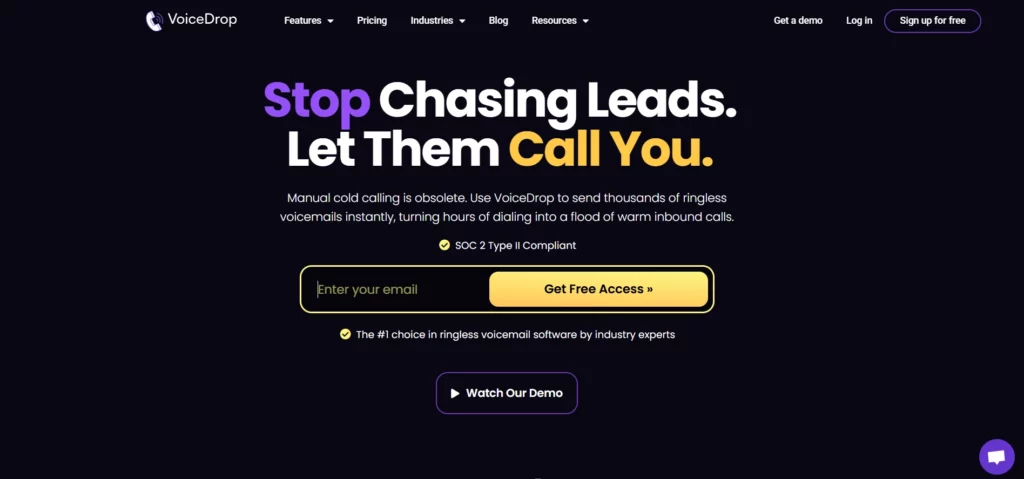
Unlike Dialpad, which focuses on managing live, 1-on-1 interactions, VoiceDrop offers scalable automation that works in the background to generate inbound interest.
Starting at $95 per month, VoiceDrop lets you send up to 1,000 ringless voicemails. The ENTERPRISE plan guarantees the best pricing in the market.
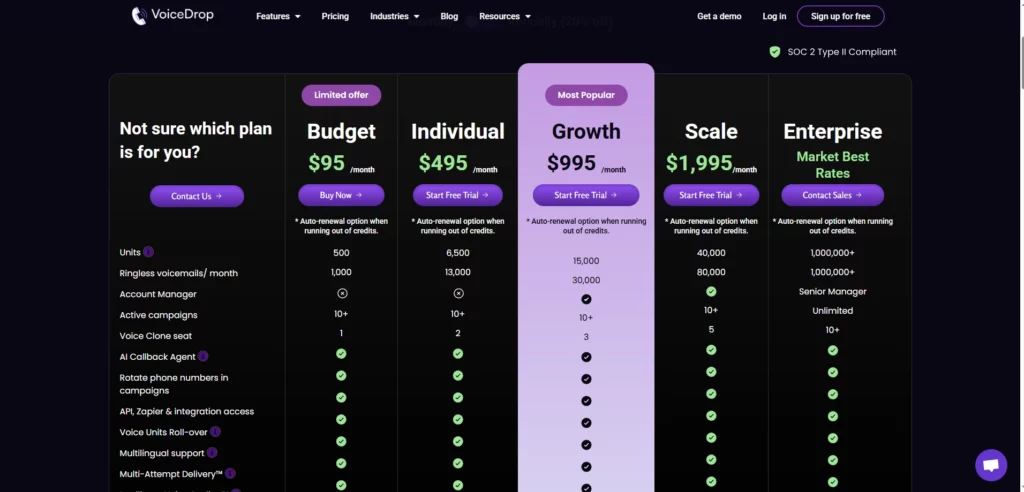
Some of its features include:
- Use a phone number you already own
- 10+ active campaigns
- Voice Clone seat(s)
- Rotate phone numbers in your campaign
- API, Zapier, Make & Dialpad integration access
- Voice Units Roll-over
- Multilingual support
- Multi-Attempt Delivery™
- Intelligent Voice Scaling™
VoiceDrop also offers a 7-day free trial so you can experience its capabilities firsthand.
Grab your free trial and get started today!