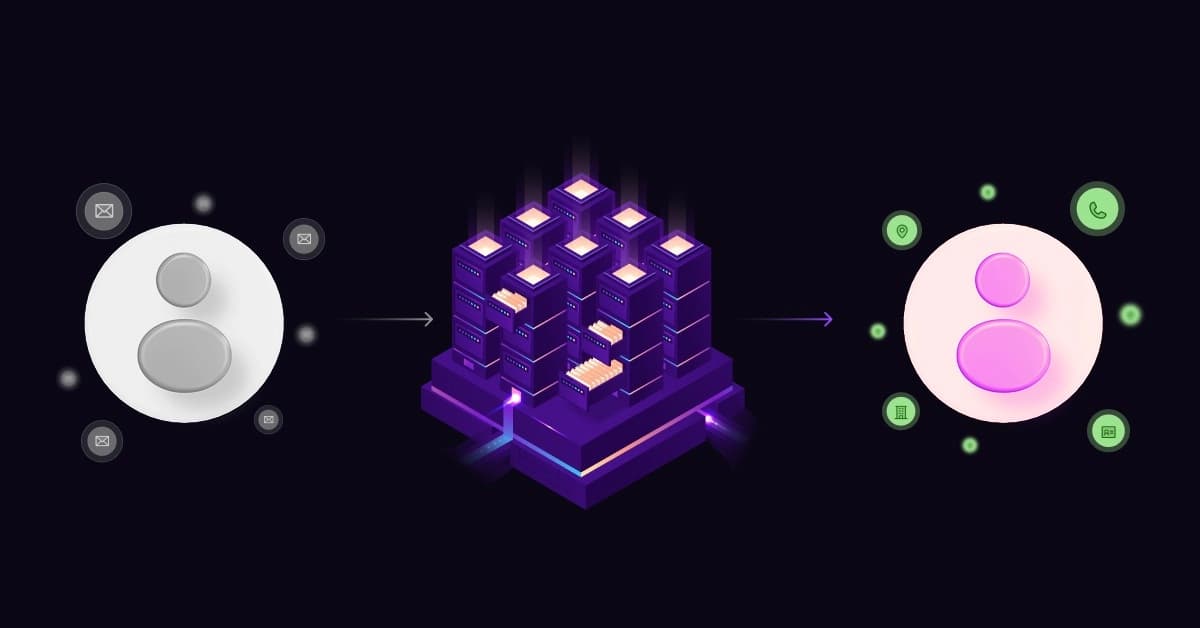
In B2B sales, the “Ghost Lead” is a silent revenue killer.
You know the scenario: a prospect downloads your whitepaper. You get a name and a generic @gmail.com address. But that is where the trail ends. The phone number is missing. The job title is unknown. It’s unclear whether they are a decision-maker or an intern.
You are left with two bad options: waste 20 minutes Googling them, or ignore the lead entirely. Both options cost you money.
There is a third option. Enter the Contact Enrichment API, the automated engine that turns partial data into a full prospect profile instantly.
What is a Contact Enrichment API (Technical Breakdown)
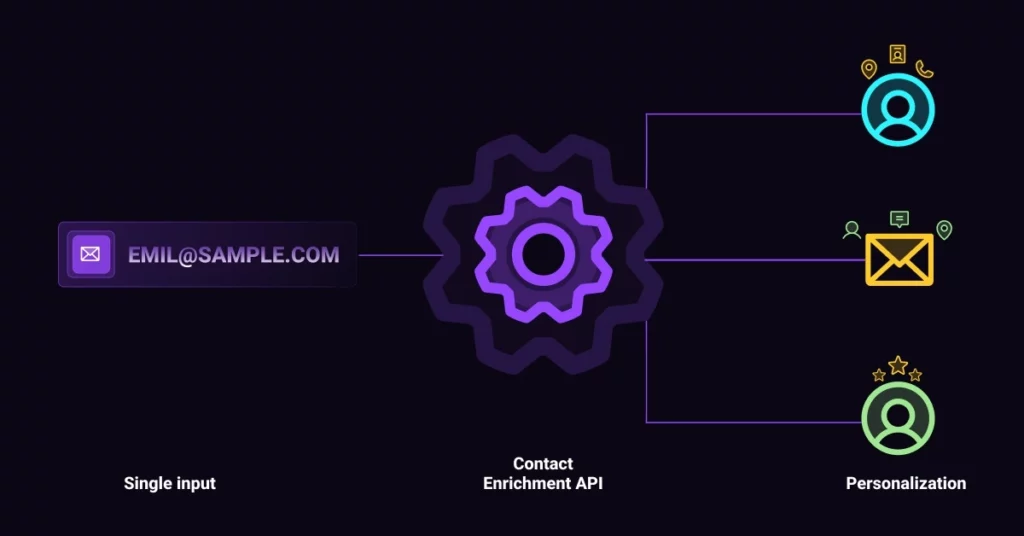
At its core, a contact enrichment API is a software connector that acts as a bridge between your incomplete data and the world’s public databases.
You feed it one piece of information, usually an email address or a corporate domain, and it returns a comprehensive profile containing direct dial phone numbers, job titles, LinkedIn URLs, company size, and revenue data.
The difference between the traditional “manual” way and the automated “API” way is stark:
- Instant Speed: Instead of spending 10-15 minutes per lead, APIs deliver results in under 200 milliseconds.
- Verified Accuracy: Eliminate human copy-paste errors by using data verified against live, real-time databases.
- Drastic Cost Savings: Replace high hourly wages with a solution that costs only pennies per record.
- Infinite Scalability: Move past the “impossible to scale” manual barrier to handle unlimited volume effortlessly.
The Problem of Data Decay
Even if you have a database of leads, it might already be obsolete. The B2B landscape is volatile; people change jobs, get promoted, or move companies constantly.
Data decay is the silent killer of sales pipelines. Relying on static lists you bought six months ago is a recipe for high bounce rates and disconnected calls. Unlike static spreadsheets, a phone append API for CRM fetches live data on the fly.
According to recent data decay statistics, B2B data decays at a rate of over 22% every year. If you aren’t enriching your data in real-time, nearly a quarter of your database becomes useless annually.
How the API Works: From Email to Full Profile
You don’t need to be a developer to understand the mechanics. Here is the step-by-step technical process of how an API turns a simple email into a goldmine of data.
The Input (Reverse Lookup)
The process begins when you (or your CRM system) send a “query” to the API. This is usually a unique identifier, such as john.doe@techcompany.com. This request triggers the system to say, “Tell me everything you know about this email address.”
Quick Check: You don’t always need a full API integration to spot-check a lead. Before you enrich a list, verify the domain validity manually. Use a Free Domain & IP Lookup to see the raw technical data available for any corporate URL instantly. 1Lookup is built by the same team as VoiceDrop.
The Aggregation & Matching
Once the query is received, the API goes to work. It instantly scans dozens of data sources, including public records, social media networks, professional directories, and proprietary databases.
It uses complex algorithms to cross-reference this data, ensuring that the “John Doe” at “Tech Company” matches the profile found.
The Output (Enriched Data Fields)
In milliseconds, the API sends back a structured response (usually in JSON format) containing the enriched fields. You receive:
- Contact Info: Direct mobile numbers and verified email addresses.
- Professional Info: Job seniority, title, and department.
- Firmographics: Company revenue, employee count, and headquarters location.
- Technographics: The tech stack the company is currently using (e.g., if they use Salesforce or HubSpot).
Top Strategic Benefits for Sales Teams
Implementing a business contact append API isn’t just about saving time; it is about increasing revenue efficiency.
Exploding Conversion Rates with Shorter Forms
It is a golden rule of marketing: Every extra field on a form reduces conversion rates by up to 50%.
Enrichment offers a “growth hack.” Ask for only an email address. This friction-free experience drastically increases signups. On the backend, the API instantly fills in the missing Name, Company, and Phone Number before the lead ever hits your CRM.
Enabling Hyper-Personalization
Generic “Hi there” emails get deleted. To close deals in 2026, you need context. You cannot personalize an email effectively if you don’t know the prospect’s Job Title or Location. Enrichment gives you the ammunition to say, “I see you’re leading the Engineering team at [Company Name] in New York.”
Prioritizing High-Value Accounts (Lead Scoring)
Not all leads are created equal. If a student signs up for a trial, you might want to send an automated email. But if the API reveals the lead is a VP of Operations at a “Fortune 500” company, your sales team needs to know immediately.
Enrichment data feeds into your lead scoring model, allowing you to route the best opportunities to your top closers instantly.
Integrating Enrichment into Your Workflow
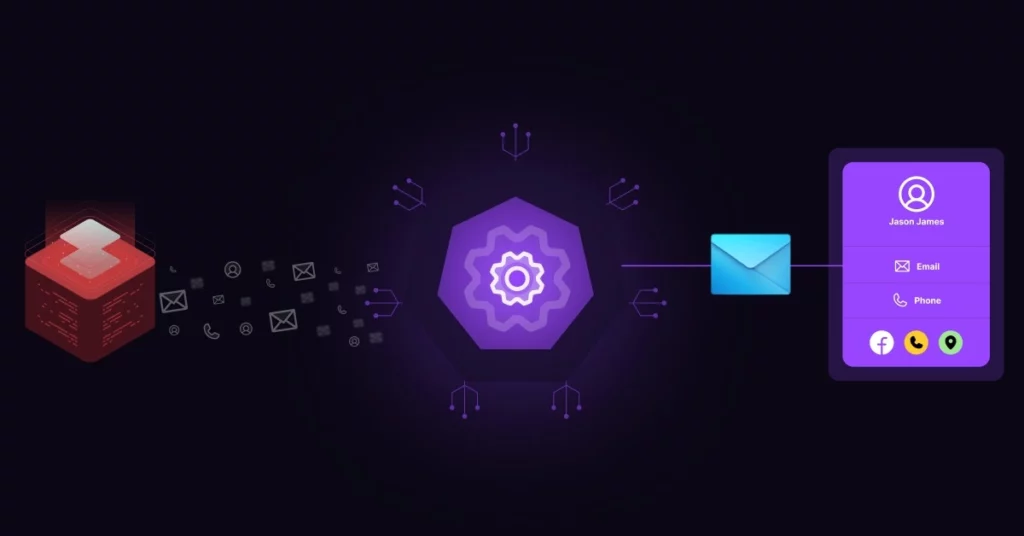
A contact enrichment API does not work in isolation; it acts as the fuel for your existing sales engine.
Real-Time CRM Updates
The most powerful deployment is “Set and Forget.” Integrate the API directly into Salesforce, HubSpot, or Pipedrive.
Pro Tip: Set your API to trigger only when a new lead is created with an incomplete profile. This saves API credits and ensures you only pay for data you actually need.
Explore VoiceDrop Integrations to see how you can connect data validation tools directly to your CRM without writing a single line of code.
Automating Outreach Sequences
Data is only useful if you act on it. Once data is enriched, for example, when a mobile phone number is successfully found, you can set up triggers to automatically start a sales cadence. The system can move the lead from a “Research” stage to a “Call” stage without human intervention.
Key Features to Look for in 2026
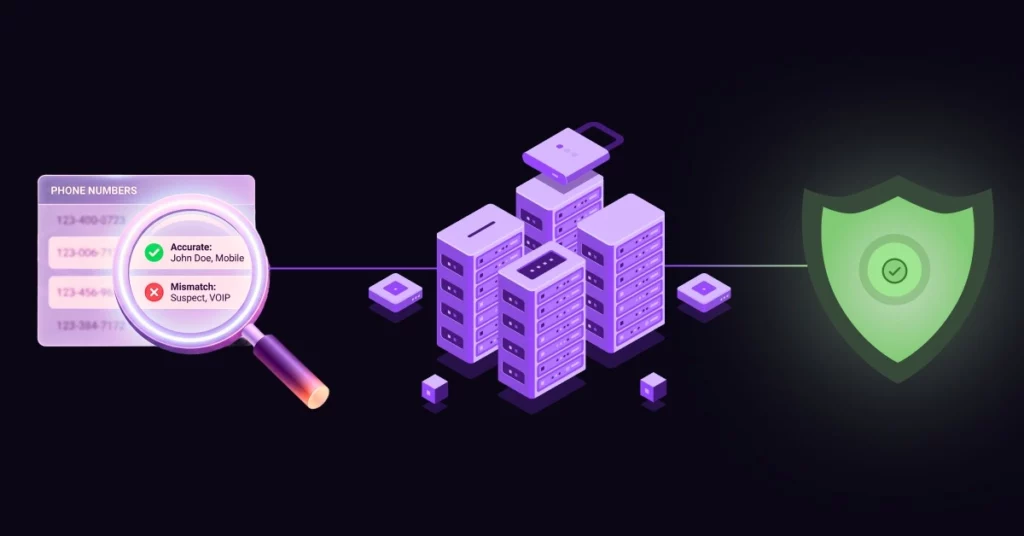
The market is flooded with data providers. Here is how to choose the right vendor for your business.
Data Accuracy and Match Rates
Quantity does not equal quality. Many cheap tools use “probabilistic matching,” meaning they guess the email or phone number based on patterns. This leads to bounce-backs and wrong numbers. You need a tool that verifies data. Specifically, look for high match rates for phone contact data enrichment, as direct dials are the most valuable asset for sales teams.
Global vs. Local Coverage
Where are your customers located? If you sell internationally, ensure the API covers regions outside of the US. Many providers are US-centric and struggle to find data for prospects in Europe or Asia.
GDPR & CCPA Compliance
Data privacy is non-negotiable. You are liable for the data you hold. Ensure the API vendor sources their contact data ethically and legally. They should be transparent about their data provenance.
For a deeper understanding of privacy standards, you can refer to the CCPA compliance guide provided by the State of California Department of Justice.
Turning Enriched Data into Revenue
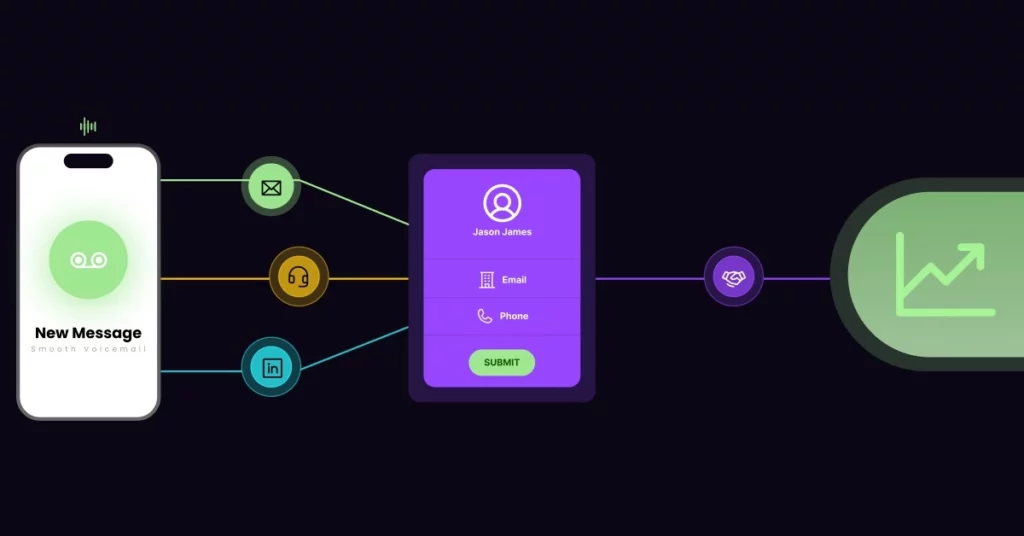
Now that you have the full picture of your prospect, how do you convert them?
Multi-Channel Outreach (Email + Phone)
Relying solely on email is a strategy for failure. Inboxes are crowded. However, using the enriched phone number allows for a multi-touch approach. A prospect is far more likely to respond if they see an email, receive a LinkedIn connection request, and then get a call within a tight timeframe.
The “Warm Up” Strategy: Ringless Voicemail
Enrichment provides you with the “Holy Grail” of sales data: The Mobile Number.
Don’t burn that number with a cold call immediately. Instead, use Ringless Voicemail Drops to deposit a friendly message directly into their inbox without their phone ever ringing.
- The Script: “Hey, I sent you an email regarding [Topic]. Just wanted to put a voice to the name.”
- The Result: When you do call 24 hours later, you are no longer a stranger. You are the person who left that polite message.
Common Pitfalls to Avoid
While enrichment is powerful, there are mistakes to avoid:
- Don’t trust “100% Match Rate” guarantees: No database has everyone. If a vendor promises 100%, they are likely lying or guessing data.
- Ignoring Spam Traps: Ensure your enrichment API includes an email verification step. Sending emails to invalid addresses or spam traps will ruin your domain reputation.
Warning: Enriching a “Spam Trap” email can get your entire domain blacklisted. Never skip verification.
If a domain looks suspicious, run a background check using 1Lookup to verify the domain’s reputation and technical status before you add it to your outreach sequence.
Conclusion
Every minute your sales team spends researching a prospect is a minute they are not pitching, negotiating, or closing. Manual research is a relic of the past. Data is your most valuable asset, but only if it is complete, accurate, and actionable.
Data is your most valuable asset, but only if it is complete. Stop guessing. Stop Googling. Start selling.
Automate your research today and fill your pipeline with prospects who are actually reachable.
Ready to see the difference? Book a Demo and discover how automated data and voice tools can transform your sales process in 2026.
FAQ’s
Is contact enrichment legal?
Yes, provided the data is sourced from public records, consensual partnerships, or open web data, and the provider complies with regulations like GDPR and CCPA. Always check your vendor’s compliance statement.
What is the difference between data enrichment and data cleansing?
Data cleansing fixes existing errors (like correcting a typo in an email address or standardizing “CALIF” to “CA”). Data enrichment adds new missing information (like adding a mobile phone number to a record that only had an email).
How much does an enrichment API cost?
Pricing models vary, but most providers charge per “successful match” (e.g., $0.05 to $0.20 per record). This is cost-effective because you typically only pay when the API successfully finds data for your query.