
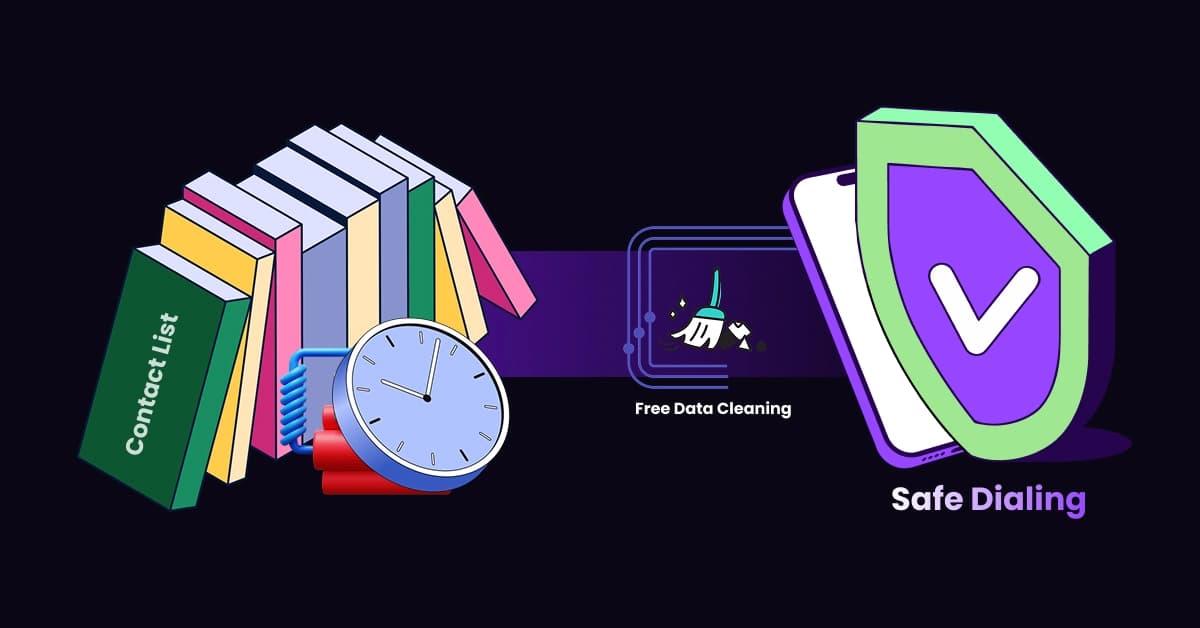
That contact list from 2024 sitting on your desktop isn’t a goldmine; it’s a ticking time bomb.
If you attempt to dial a list from 2024 in 2026 without thoroughly cleaning it first, you aren’t just wasting valuable time on dead ends; you are actively inviting spam flags. An old contact list isn’t an asset; it’s a liability that can permanently damage your ability to reach customers.
Data hygiene is the firewall protecting your business reputation from carrier algorithms. While massive enterprise tools exist, small businesses can start with free tools to identify honeypots, format data, and verify line types before making a single call.
The Hidden Dangers of “Dirty” Data
Many business owners mistakenly believe that “cleaning” a list simply means removing duplicate entries. However, true data hygiene is about avoiding traps that carriers have set for aggressive dialers. When you dial unthinkingly, you risk hitting numbers that were never meant to be answered.
Understanding “Honeypot” Numbers (Spam Traps)
Carriers and security companies use specific numbers, known as “honeypots,” to identify and block spammers. You must be aware of the two specific types:
- “Pristine” Honeypots: Numbers created solely to catch spammers. They have never belonged to a real human. If you call one, there is no excuse; you are instantly flagged.
- “Recycled” Honeypots: Old, disconnected numbers that carriers have repurposed into traps.
Hitting just one of these is catastrophic. Dialing a honeypot signals to carriers that you are using purchased or “scraped” data, leading them to block your Caller ID immediately.
The “Domino Effect” on Email and SMS
The consequences of dirty data do not stop at your phone line. Telecommunication carriers share data regarding suspicious activity. Consequently, if your phone number is flagged for spam due to high bounce rates or honeypot hits, your reputation across other channels suffers.
For instance, your SMS delivery rates may plummet, and your email domain reputation can degrade as carriers mark your business entity as untrustworthy. Therefore, maintaining a clean list is essential for your overall Caller ID Reputation.
Step 1: Pre-Cleaning Format (The Excel Fix)
Before you can use any software to check the validity of a number, the data itself must be readable. Most modern dialers and validation tools will choke on bad formatting, returning errors for valid leads. Fortunately, you can fix this for free using basic spreadsheet skills.
Standardizing Country Codes (+1)
Dialing software requires consistent, standardized formats to route calls correctly. If your list contains local numbers without country codes, many systems will reject them. You can use simple Excel formulas to ensure that every number has the correct country code (e.g., +1 for the US and Canada). This simple step prevents unnecessary “Invalid Number” errors that distort your campaign analytics.
Removing “Syntax Noise” (Dashes and Spaces)
Raw data is often messy. To a computer, (555) 123-4567 and 5551234567 are different strings. You can fix this instantly using the SUBSTITUTE function in Excel.
Try this formula: =SUBSTITUTE(SUBSTITUTE(SUBSTITUTE(A2, “(“, “”), “)”, “”), “-“, “”)
This strips out parentheses and hyphens, leaving you with a clean, dialer-ready string of digits.
Step 2: The Best Free Clean Phone List Tools
Once your file is formatted, you need to verify if the numbers actually exist. This is the core value section where we explore how to do this without breaking the bank.
1Lookup (The Deep Search Validator)
For accuracy and depth, we position 1Lookup as the primary recommendation. Unlike basic checkers that only look at area codes, 1Lookup verifies if the line is currently active and identifies the underlying carrier. This distinction is crucial for avoiding disconnected lines that ruin your connection rates.
Free HLR (Home Location Register) Lookups
For a more technical approach, look for tools that offer HLR lookups. HLR (Home Location Register) technology pings the mobile network to see if the SIM card is registered and active. Importantly, it does this silently without ringing the subscriber’s phone. This is currently the only way to know if a mobile number is truly “live” and ready to receive a call or text.
Carrier-Specific Validation Tools
In addition to third-party software, some major carriers provide public tools to check if a number is on their network. While less comprehensive than a full HLR lookup, checking directly with carrier databases can help you optimize route costs, especially if you are using VoIP systems that charge differently based on the network.
Step 3: Segmenting by Line Type (Mobile vs. Landline)
Simply knowing a number is “active” is not enough; you must know what kind of device calls are going to. Segmentation is a vital step for compliance and strategy.
The Compliance Trap: Texting Landlines
Simply knowing a number is “active” is not enough; you must know which device receives the call.
If you are running an SMS campaign, you cannot send messages to landlines. Doing so results in “Undelivered” errors, which hurts your sender score and wastes credits. For campaigns involving Mass Text Messaging, filtering for mobile-only data is a non-negotiable requirement.
💡 Pro Tip: Sending SMS to landlines is the fastest way to kill your delivery rates. Stop guessing. Use 1Lookup to filter Mobile vs. Landlines for free and ensure your texts actually land in a real mobile inbox. 1Lookup is built by the same team as VoiceDrop.
Prioritizing Mobile Numbers for RVM
Similarly, modern campaigns often utilize Ringless Voicemail (RVM) to drop messages directly into inboxes. This technology relies on the mobile network architecture. Cleaning tools help you isolate these “Gold” leads verified mobile numbers so you can target them with specific, high-converting RVM campaigns while leaving landlines for manual calling.
The Limitations: Free vs. Paid Scrubbing
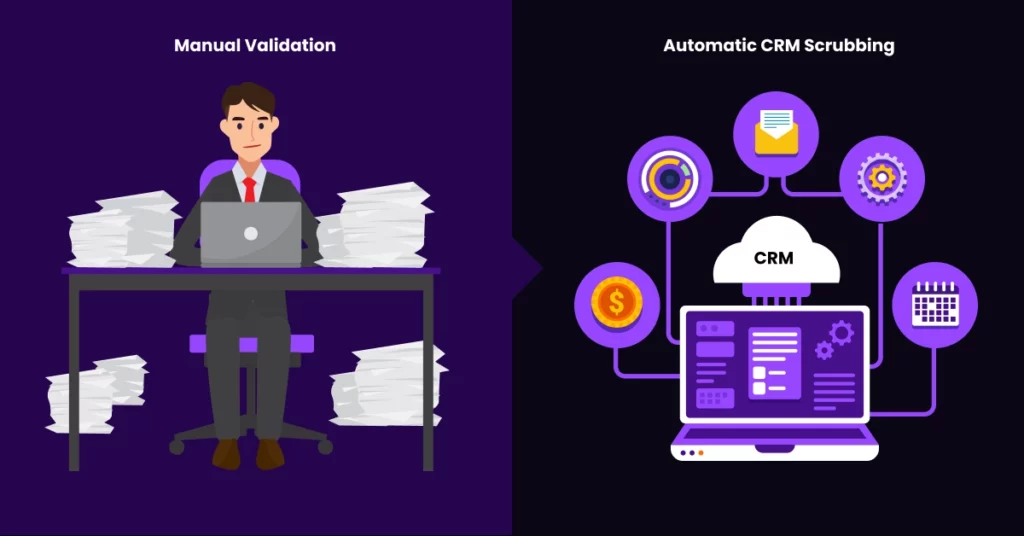
While free tools are excellent for getting started, it is important to be honest about the trade-off between time and money.
The “One-by-One” Manual Bottleneck
The biggest downside to most free tools is that they usually limit you to checking one number at a time. If you have a list of 500 leads, manually checking each one will take hours of valuable time. Consequently, free tools are best suited for spot-checking small batches or verifying specific leads, rather than bulk processing thousands of contacts.
When to Automate via CRM
As your business grows, manual checking becomes unsustainable. You should look to integrate validation directly into your Customer Relationship Management (CRM) system. This allows you to clean numbers automatically as soon as they enter your pipeline.
For seamless workflows, you can explore various CRM Integrationsthat handle this hygiene process in the background.
Legal Implications: TCPA and The DNC
Finally, remember that cleaning isn’t just about finding valid numbers; it’s about finding legal numbers to dial.
Scrubbing Against the Do Not Call (DNC) Registry
A number can be perfectly valid and active, yet dialing it could still result in a lawsuit if it is listed on the National Do Not Call Registry. Most free validation tools skip this step entirely. Therefore, you must perform manual DNC checks or use specialized software to ensure compliance with federal regulations.
Identifying “Litigator” Numbers
Beyond the DNC, there is a threat from “professional plaintiffs.” These are individuals who buy old numbers specifically to trap businesses into calling them so they can file TCPA lawsuits. Advanced cleaning services, which are usually paid, maintain databases of these known litigators to identify and remove these threats from your list before they cost you thousands in legal fees.
Conclusion
In sales, a smaller, cleaner list always outperforms a massive, dirty one.
Don’t let the fear of shrinking your lead count stop you from scrubbing your data. A list of 100 verified prospects will generate more revenue than a list of 1,000 unverified guesses. By using free tools to remove honeypots and dead numbers, you protect your reputation and ensure your team spends time talking to real people.
Ready to protect your reputation and automate your outreach? Start Your Free Trial today.
FAQs
How often should I clean my phone list?
We recommend a “Quarterly Scrub” (every 90 days). Because approximately 15-30% of contact data decays annually due to people changing jobs or numbers, regular cleaning is essential to maintain high connection rates.
Is a cell phone free?
Yes, tools like 1Lookup provide “Line Type” data (Mobile vs. Landline) for free. This information is essential for running compliant SMS and Ringless Voicemail campaigns.
Is Google a good way to verify phone numbers?
It is a “poor man’s” validation method. While searching for a number on Google helps verify business ownership, it cannot tell you whether the specific line was recently disconnected or repurposed as a spam trap.
