
Your best sales pitch is useless if it never reaches the inbox.
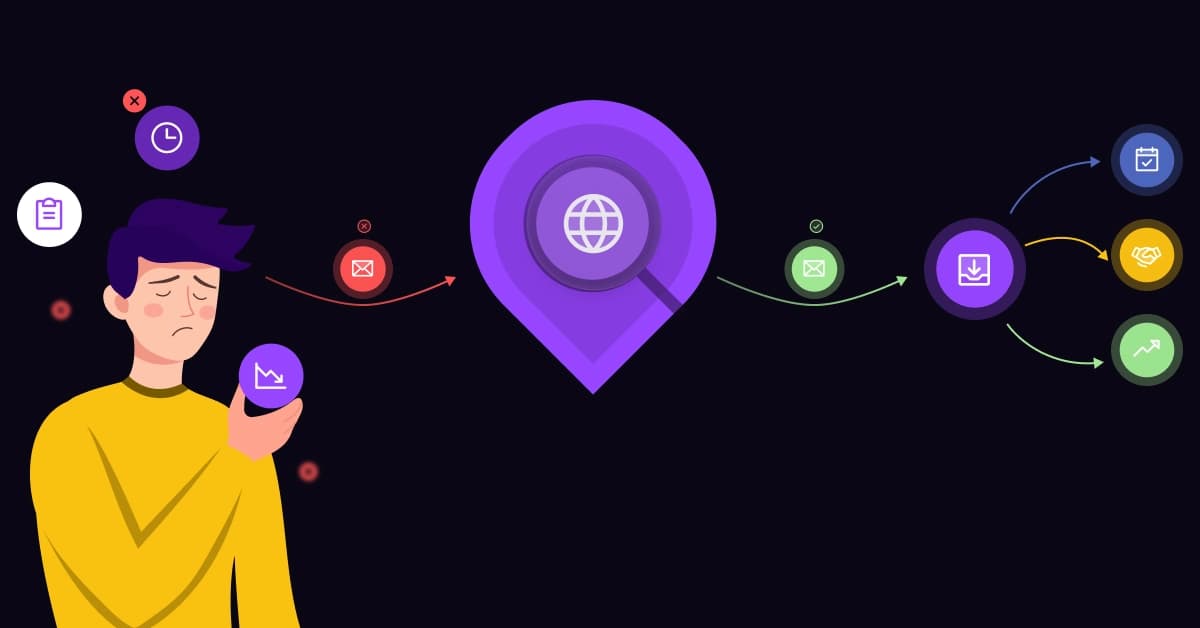
There is no feeling more frustrating in sales than the dreaded “Delivery Status Notification (Failure).” You spent hours researching a high-value prospect, analyzed their LinkedIn activity, and crafted the perfect hook. You hit send, expecting a meeting.
Instead, you get rejected by the server instantly because the email address was a guess.
This isn’t just a wasted afternoon; it is a technical liability. In 2026, “Data Hygiene” is the foundation of your revenue engine. Just as a phone number’s reputation determines if your call connects, your Domain Reputation depends entirely on the quality of the emails you send.
If you guess, you lose. Here is how an Email Lookup Tool saves your domain and supercharges your pipeline.
What is an Email Lookup Tool?
An Email Lookup Tool is specialized software designed to bridge the gap between a prospect’s name and their inbox. It doesn’t just “Google” for you; it queries public databases, crawls corporate sitemaps, and utilizes advanced pattern matching to reconstruct verified contact paths.
However, not all tools are the same. It is critical to distinguish between Scraping and Verification:
- Scraping: Finds raw data that looks like an email address on the web (High Risk).
- Verification: Pings the server to confirm the address is active and capable of receiving mail before you click send (Low Risk).
How Email Discovery Works (The Tech Behind It)
- Professional tools do not just “guess.” They rely on a two-step algorithmic process to deliver accuracy:
- 1. The Pattern Match (Domain Search) The tool scans a specific domain (e.g., company.com) to identify the standard naming convention used by the organization. Does the company use first.last@? Or perhaps firstinitial.last@?
- 2. The SMTP Handshake (Verification) This is the gold standard. The tool initiates a connection with the recipient’s mail server (MX Records) and asks, “Does this user exist?” The server responds with a code confirming validity, all without actually sending an email to the prospect.
Note: This process happens in milliseconds, ensuring you never burn a send credit on a dead address.
The Difference Between Enrichment and Lookup
While “Lookup” provides the contact information, “Enrichment” provides the context.
A simple email address isn’t enough to close a deal. Enrichment adds layers of data such as Job Titles, LinkedIn URLs, Company Revenue, and Location.
Sales teams need this context to segment their lists and write personalized emails that convert, rather than generic blasts that get ignored.
Why “Guessing” Emails Destroys Your Sales Pipeline
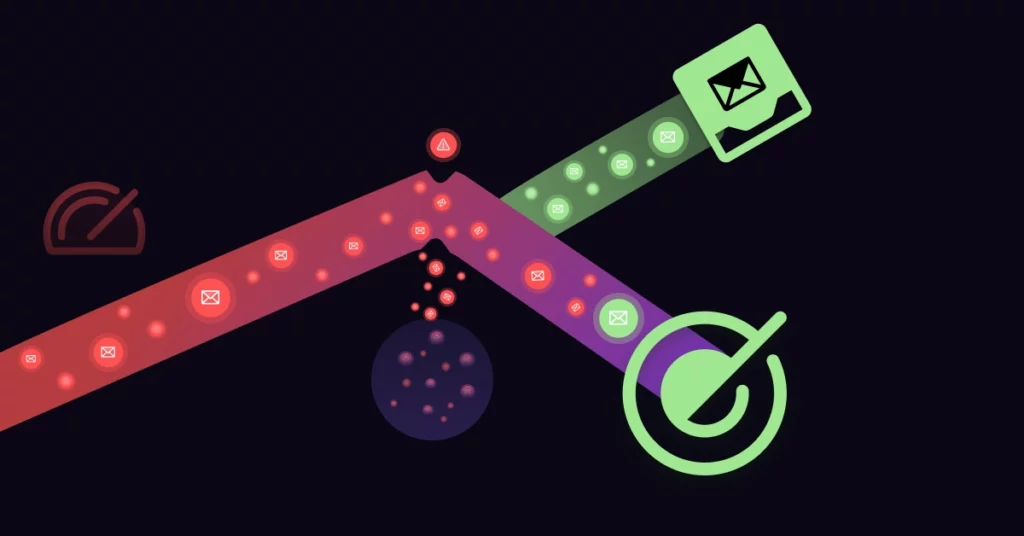
Manually guessing email addresses (e.g., trying john@ then john.d@) is a dangerous game. It is not just about wasted time; it is about long-term infrastructure damage.
Here is how bad data kills your outreach:
The 2% Bounce Rate Rule
Email service providers (ESPs) like Google and Outlook monitor your Bounce Rate closely. If your bounce rate exceeds the industry threshold of 2%, algorithms flag your domain as a spammer.
Once flagged, your emails, even the legitimate ones to existing clients, start landing in the Spam folder. You become invisible.
The “Catch-All” Trap
A “Catch-All” server is a configuration where a company accepts all emails sent to their domain to prevent lost messages.
- The Risk: A basic tool might report these as “Valid.” However, the email may bounce hours later or sit in an unmonitored “junk” inbox. You need a tool that can specifically identify and flag Catch-Alls so you can proceed with caution.
Spam Traps and Honeypots
The biggest risk of scraping is hitting a “Spam Trap.” These are fake email addresses secretly planted by ISPs to catch scrapers. Hitting just one can blacklist your domain instantly.
Don’t let bad data burn your domain. Before you launch a campaign, run a quick audit. Emailchaser’s free email finder returns the work email behind a name, so you can check an address before it goes on the list. Emailchaser is built by the same team as VoiceDrop.
Key Features to Look for in a Sales Email Finder
Not all tools are created equal. To protect your workflow, prioritize these three features:
1. Real-Time SMTP Verification
Databases decay rapidly (approx. 22% per year). Avoid tools that rely on “stale” or static databases. You need a solution that performs Real-Time Verification to check if the email is active right now, at the moment you request it.
2. Bulk Search & CRM Sync
Scaling requires automation. You cannot copy-paste one by one. You need the ability to upload a CSV of 1,000+ prospects and process them simultaneously.
- Integration Matters: Your tool must sync valid results directly to your CRM. For example, seamless VoiceDrop Integrations allow you to push verified data straight into HubSpot or Salesforce, ensuring your team always works with clean lists.
3. Chrome Extension
Speed is essential. A robust tool should offer a browser extension, allowing SDRs to pull a verified email directly from a LinkedIn profile without switching tabs.
Top Email Lookup Tools Comparison (2026)
The market is flooded with options, but the right choice depends on your specific use case.
VoiceDrop (Best for Multi-Channel Outreach)
VoiceDrop recognizes that email is just one part of the puzzle. It offers an all-in-one solution for sales teams using a multi-channel approach. The platform doesn’t just find emails; it integrates with your data stack to ensure you reach prospects via Email, Ringless Voicemail, and SMS, all with clean, verified data.
- Book a Demo to see how clean data improves conversion rates.
Two other kinds of tools help with narrower jobs. A domain search tool finds every email pattern at one company, which helps when you are mapping out an entire organization. A large B2B contact database is excellent for finding leads from scratch (e.g., “VPs of Sales in NY”), although stored records can be outdated compared to real-time verifiers.
Best Practices for Cold Email Compliance
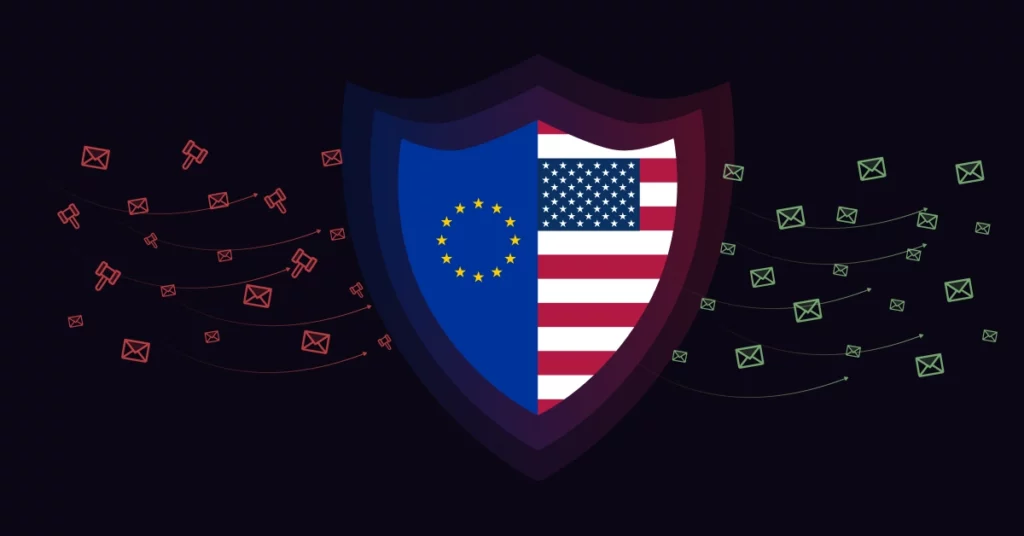
When using lookup tools, you are processing personal data. Compliance is not optional; it is the law.
GDPR and “Legitimate Interest”
If you are prospecting in Europe, you must adhere to the General Data Protection Regulation (GDPR).
Under GDPR, B2B prospecting is generally widely accepted based on “Legitimate Interest,” provided the content is relevant to the recipient’s professional role. However, you must always provide an easy way for them to opt out.
For a deeper understanding of these regulations, refer to the official GDPR Compliance Checklist.
The CAN-SPAM Act Requirements
In the United States, you must follow the CAN-SPAM Act. This law requires that you do not use deceptive subject lines, that you include a valid physical postal address in your email footer, and that you honor unsubscribe requests promptly.
Failure to comply can result in heavy fines. Ensure your outreach strategy aligns with the CAN-SPAM Act Compliance Guide to keep your business safe.
Step-by-Step: How to Use an Email Lookup Tool Effectively
Follow this workflow to maximize deliverability:
- Define your ICP: Know exactly who you are looking for. Specificity reduces the chance of hitting irrelevant (and likely invalid) emails.
- Verify, Don’t Guess: Use your tool to find verified emails only. If a tool returns a “Risky” or “Unknown” status, do not email that person. It is not worth the risk to your domain.
- Segment by Context: Use the “Enriched” data (Job Title, Location) to segment your list. Decision Makers get a different sequence than Influencers.
- Send a Multi-Channel Sequence: Don’t rely on email alone. Combine it with calls or voicemail drops for maximum impact.
Pro Tip: If you are gathering both emails and phone numbers for a multi-channel sequence, accuracy is key. Run the list through 1Lookup’s email validation API to ensure every data point in your CRM is active and reachable. 1Lookup is built by the same team as VoiceDrop.
Conclusion: Quality Over Quantity
Quality Over Quantity.
One verified email to a decision-maker is worth 100 unverified guesses. The “spray and pray” method of sales is dead. It damages your brand, burns your domain reputation, and wastes your team’s energy.
Stop guessing. Start using professional lookup tools to build a foundation of clean data. When you trust your data, you can stop worrying about bounce rates and focus on what really matters: closing the deal.
FAQ’s
How accurate are email lookup tools?
Typically, top-tier tools are 70-95% accurate. No tool is 100% perfect due to strict server firewalls and Catch-All configurations, but professional tools are significantly safer and more effective than manual guessing.
Is it legal to scrape emails from LinkedIn?
This is a gray area. While viewing public profiles is legal, automated scraping violates LinkedIn’s User Agreement.
It is better to use tools that enrich data from multiple public sources and third-party databases, rather than scraping directly from the platform.
What should I do if my bounce rate is high?
Stop sending immediately. Pause your campaigns. Audit your list using a bulk verification tool to remove all “Invalid” and “Catch-All” emails.
You may need to “warm up” your domain by sending emails to safe accounts for a few weeks before restarting your cold outreach.
