
Stop Paying for Ghost Leads.
Marketing teams burn thousands of dollars cleaning email lists after the damage is done. Scrubbing a list post-campaign is reactive. It is mopping up a leak without fixing the pipe.
To protect your sender reputation, you must stop bad data before it hits your database. You need a gatekeeper.
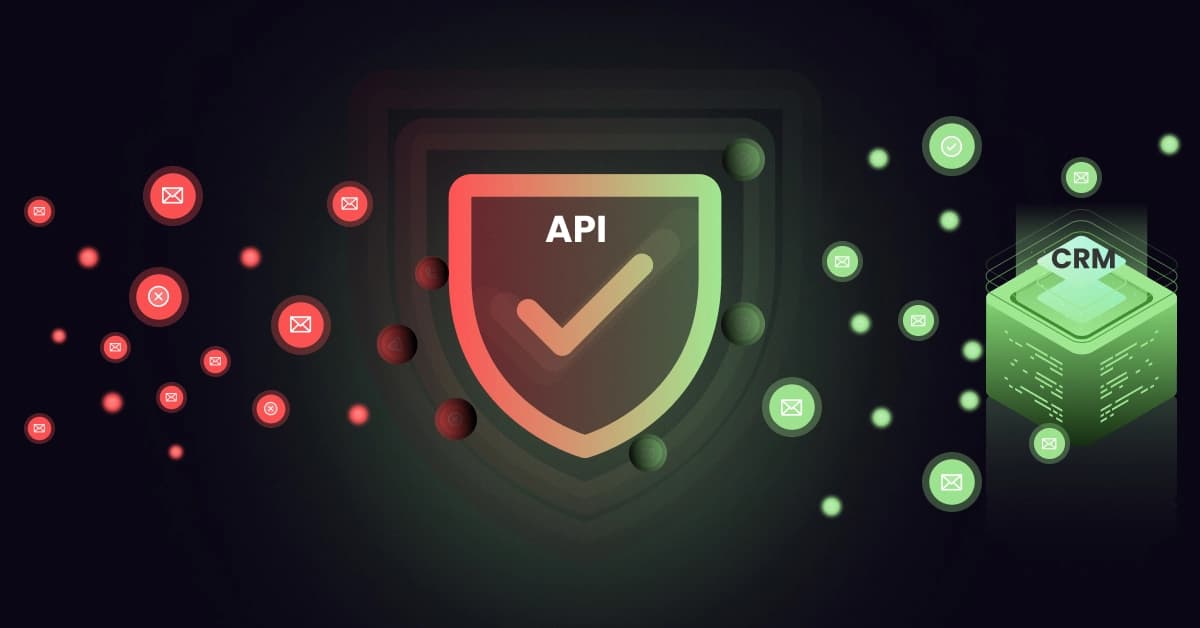
Enter the Email Verification API. By integrating this code directly into your signup forms, you build a digital fortress. You block typos, bots, and invalid users in real-time, ensuring only high-quality leads enter your CRM.
What is an Email Verification API?
The Technical Definition
An Email Verification API (Application Programming Interface) allows your application to “talk” to a verification server instantly.
The process is simple:
- A user types an email into your form.
- Your site sends a request to the API.
- The API runs diagnostic checks in milliseconds.
- It returns a verdict: Valid, Invalid, or Risky.
Unlike Bulk File Uploads (where you upload a CSV and wait), an API is a real-time filter. It empowers you to accept or reject data the moment it arrives.
How It Differs from Bulk List Cleaning
It is important to understand the distinction between these two hygiene methods:
- Bulk Cleaning is Reactive: This is for cleaning the mess you already have. It is used for old lists or databases you’ve purchased.
- API Verification is Proactive: This prevents the mess from happening. It verifies data at the point of entry, ensuring that invalid emails never pollute your ecosystem.
How the API Works (The Technical Handshake)
For developers and product managers, understanding the backend process is crucial. Here is what happens in the split second between a user clicking “Submit” and the API returning a result.
1. Syntax and Format Validation (Regex)
The API uses algorithms to strictly enforce standard formats (e.g., name@domain.com). It instantly flags missing “@” symbols or typos like “https://www.google.com/search?q=gmial.com.”
2. Domain and MX Record Check
The tool queries the DNS to confirm the domain is live and possesses a valid Mail Exchange (MX) record. If the domain cannot receive mail, the API blocks it.
3. The SMTP Handshake (“The Silent Ping”)
This is the critical step. The API initiates a connection with the recipient’s mail server and asks: “Does this user exist?”
The server responds with a code (e.g., “User exists” or “User unknown”). The API then disconnects before sending any data. The user never knows you checked.
Pro Tip: Want to see the backend data yourself? You don’t need to write code to check a single address. Use 1Lookup to run a free manual search and view the Carrier, Line Type, and SMTP status of any email.
Why Developers Prefer APIs: Automation & Security
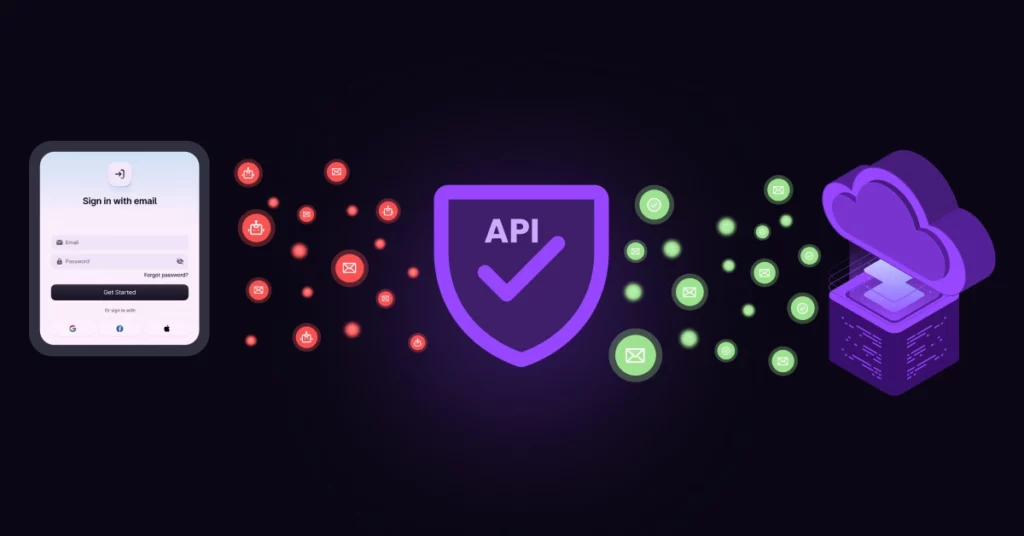
Manual cleaning doesn’t scale. Technical decision-makers prioritize APIs for three reasons:
1. Blocking Bot Attacks
Bots fill forms with random characters to spam your system. Since these addresses rarely exist, the API blocks them at the gate. If the email fails validation, the bot cannot submit the form.
2. Protecting Sender Reputation
If your bounce rate hits 2%, ISPs like Google throttle your delivery. Verifying at the entry point ensures you never send a welcome email to a dead address. Check your current domain health using Google Postmaster Tools.
3. Real-Time UX Improvements
APIs aren’t just for security; they fix user errors. If a user types “john@gmai.com,” the API detects the typo and prompts: “Did you mean john@gmail.com?” This saves valid leads you would otherwise lose.
Top Use Cases: Where to Integrate the API
To get the most value, your developers should place the API call at critical data entry points on your website.
Registration and Signup Forms
This is the most common use case. By blocking fake users from creating accounts, you keep your user base authentic and reduce server costs associated with hosting “ghost” accounts.
E-commerce Checkout Pages
There is nothing worse than a customer buying a product and then complaining that they never got the receipt. Validating emails at checkout ensures that transactional emails (receipts, tracking numbers) land where they are supposed to.
Newsletter Subscription Boxes
If you are paying your Email Service Provider (ESP) based on the number of subscribers, you don’t want to pay for invalid ones.
Keep your marketing list clean from day one. You can use VoiceDrop Integrations to seamlessly connect the API to your existing forms and CRMs, ensuring every new subscriber is legitimate.
Key Features to Look for in an Email API
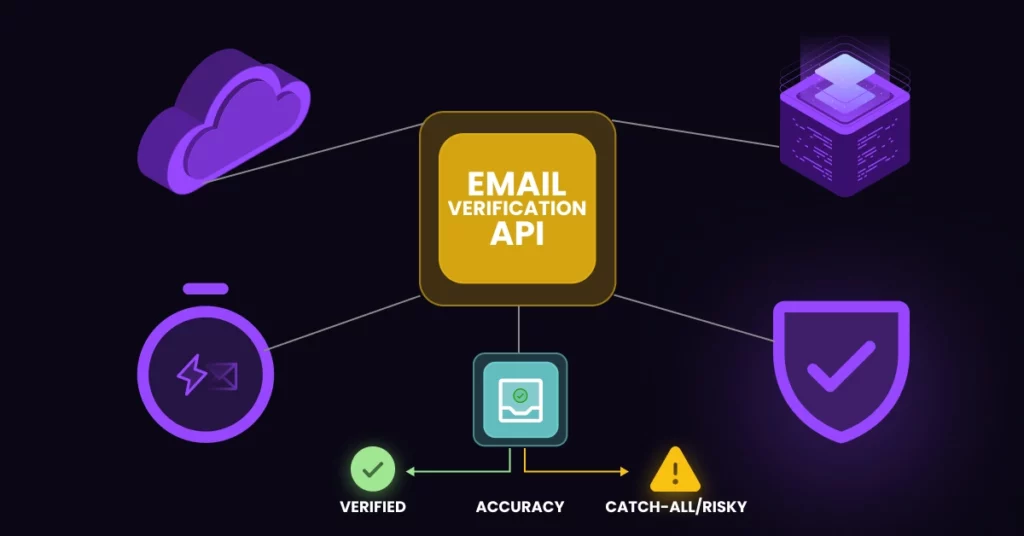
Not all APIs are built the same. When choosing a vendor, evaluate them on these three metrics:
Low Latency (Speed)
In web development, speed is everything. If the API takes 5 seconds to load, the user will abandon the form. You need an API with sub-second response times so the verification feels instantaneous to the user.
Data Security and GDPR Compliance
You are passing your customers’ personal data through a third-party service. You must ensure the API provider uses encryption and does not store data illegally.
Always review the provider’s privacy policy and ensure it aligns with the GDPR Compliance Checklist to protect your business from regulatory fines.
Accuracy and “Catch-All” Detection
Some mail servers are configured as “Catch-All,” meaning they accept all emails initially, even if the user doesn’t exist. These are risky. A high-quality API must be able to identify these servers so you can decide whether to accept or quarantine those leads.
VoiceDrop API: The Omnichannel Advantage
Most APIs only solve half the problem. Modern sales teams don’t just email; they call.
VoiceDrop is distinct because it cleans Email and Phone data simultaneously.
Stop wasting SDR time on disconnected numbers or dead inboxes. Integrating VoiceDrop ensures your CRM contains only reachable contacts across every channel.
See this dual-verification system in action: Book a Demo.
Implementation: Setup in Minutes
Modern APIs use standard JSON formats compatible with any stack (Python, Node.js, PHP).
1. Get Your API Key
Sign up, navigate to the developer dashboard, and generate your unique API Key.
2. Handle the Response Codes
The API returns logical status codes to your application:
200: Valid (Allow the user to proceed).
400/404: Invalid (Show an error message).
Unknown: Risky (Flag for manual review).
Need a Quick Fix? If you spot a suspicious email in your logs and want to verify it immediately without setting up an integration, paste it into 1Lookup’s email verification tool for a deep forensic scan. 1Lookup is built by the same team as VoiceDrop.
The ROI of Real-Time Verification
Implementing an API is an investment that pays for itself. Consider the cost of bad data: wasted ESP credits, lower conversion rates, and the manual labor required to fix database errors.
According to industry research, clean data directly correlates to higher engagement and revenue. For a deeper dive into how data hygiene impacts your bottom line, refer to these HubSpot Marketing Statistics.
Conclusion: Automate Your Hygiene
Data decays rapidly. Do not let your list become a graveyard of dead leads.
Shift from a reactive strategy to a proactive one. Implement an Email Verification API today to build a fortress around your database. Ensure every lead entering your system is real, valid, and ready to convert.
FAQ’s
Will an API slow down my website form?
No, high-quality APIs operate in milliseconds. The check happens asynchronously, meaning the user won’t even notice the validation process taking place.
Can I use the API for a bulk list?
Yes, most providers allow you to loop the API to check a database programmatically. However, if you have a massive list (e.g., 100,000+ emails), using a dedicated “Bulk Upload” feature is often faster and more efficient.
What happens if the API is down?
Good integrations have a “fallback” mode. If the API service experiences a rare outage or times out, your form should default to allowing the user to sign up anyway. This ensures you never lose a lead due to technical issues.
