

You’ve read the G2 reviews. You’ve argued over the budget. You’ve narrowed the field to three contenders. Now comes the dangerous part: The Demo.
In 2026, most SaaS demos are still just glorified “feature dumps.” You hop on a Zoom call hoping for a solution, and you get a 45-minute monologue from a rep who cares more about their quota than your workflow.
Stop hoping and start interrogating.
You need a strategy to cut through the noise. This guide is your “BS-Detector.” We’re going to show you exactly what to ask, what to ignore, and how to spot the difference between a tool that drives revenue and one that becomes expensive shelfware.
Sales Engagement vs. CRM: Why You Need a Dedicated Layer
Let’s clear up the biggest misconception in the industry: Your CRM is not a sales tool.
Salesforce and HubSpot are excellent “Systems of Record”, massive digital filing cabinets. They are designed to store data, not use it. If you force your reps to work solely through a CRM, you are turning them into data-entry clerks.
A Sales Engagement Platform (SEP) is your “System of Action.” It sits on top of the CRM and automates the chaos. When you book a demo for a sales engagement platform, you aren’t looking for better storage; you are looking for velocity.
Pre-Demo Checklist: 4 Things to Define Before the Call
Entering a software demo without preparation is a recipe for disaster. If you do not control the conversation, the sales rep will.
To maintain the upper hand, prepare these four critical data points before hopping on the Zoom call:
- The “Seat Count” Reality: Don’t just give them today’s number. Tell them, “I have 5 SDRs now, but I’m hiring 10 more in Q3.” Watch how their pricing model changes.
- The Full Tech Stack: List everything: CRM, data provider, and VoIP. If they hesitate on an integration, that’s a red flag.
- The “Bleeding Neck” Issue: Be blunt. Is your problem low connection rates? Bad data? Laziness? Tell them specifically: “I need to fix X.”
- The Hard Budget: Have a “walk-away” price per seat.
Pro Tip: Even the best sales engagement platform will fail if you feed it bad data. Don’t let bounce rates ruin your demo. Get 100% Verified B2B Emails & Direct Dials with 1Lookup.
5 Critical Features to Test Live During the Demo
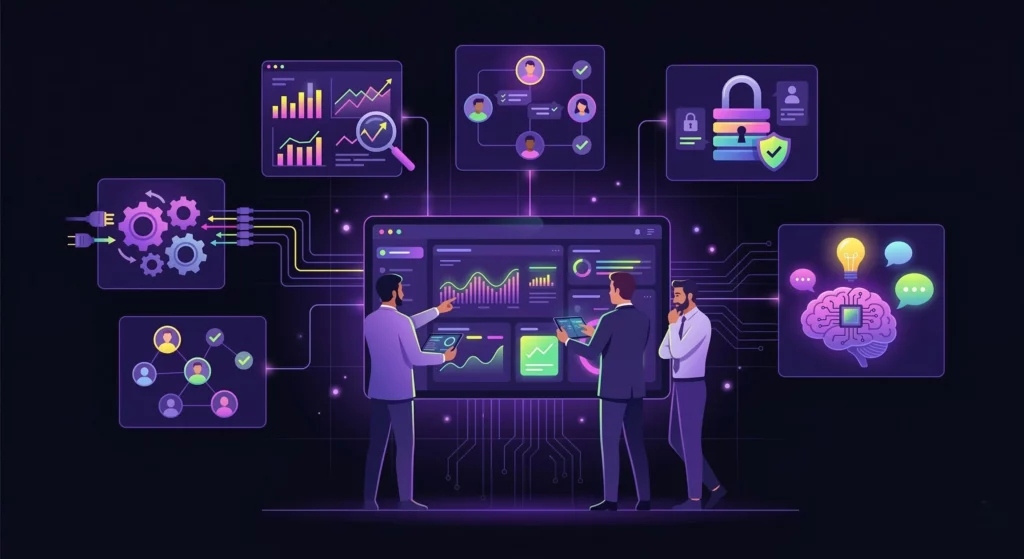
This is the core evaluation section of your meeting. Do not let the sales rep stick to a pre-rehearsed slide deck. Instead, force them to open the actual software and show you these specific workflows live.
Multi-Channel Sequencing (Email, Call, Social)
First, ask to see the sequence builder. How easy is it to build a multi-touch cadence? Specifically, request a demonstration of adding different channels. Can you drag and drop steps?
Furthermore, does the platform support manual tasks, such as LinkedIn connection requests or InMail, within the same flow? If building a sequence takes a degree in engineering, your reps will never use it.
Native, Bi-Directional CRM Sync
This feature is absolutely non-negotiable. Ask the rep to show you exactly what happens in the engagement platform when a contact is updated in the CRM, and vice versa. It must be instant.
Bad synchronization leads to “data decay,” in which your team relies on outdated information. According to the latest State of Sales Report, sales reps spend a significant portion of their week on manual data entry, which kills productivity. A proper sync eliminates this waste.
The “Pattern Interrupt” (Ringless Voicemail)
Most platforms handle standard dialing and emailing reasonably well. However, you must ask the rep: “How do you help me reach leads who don’t pick up?” This is where the concept of a “pattern interrupt” becomes essential.
If the platform relies solely on cold calling, you will struggle with low answer rates. You need a tool that can drop an automated ringless voicemail directly into the prospect’s inbox if they miss the call.
If the software lacks this native capability, as VoiceDrop offers, you are missing a massive engagement channel that feels personal and urgent.
Crucial Requirement: Automated voicemail strategies strictly require direct mobile numbers, not corporate switchboards. Find Verified Mobile Numbers for Your Prospects Instantly with 1Lookup’s mobile number finder. 1Lookup is built by the same team as VoiceDrop.
A/B Testing & Sentiment Analysis
Data is the lifeblood of modern sales. Ask to see the analytics dashboard. Can you A/B test email subject lines to see which performs better?
Additionally, does the dialer record calls and provide sentiment analysis? You need to know not just if a call connected, but how the conversation went.
Mobile App Functionality
In 2026, sales happen on the go. Whether your team is at a conference or commuting, they need access.
Ask the rep to show you the mobile interface. Can reps execute tasks, view responses, and make calls from their phone? A desktop-only tool is a relic of the past.
Red Flags: What Sales Reps Hide During Demos
Sales representatives are trained to highlight strengths and hide weaknesses. To protect your investment, you need to spot the tricks. Here are three major red flags to watch for:
- The “Roadmap” Lie: If you ask for a feature and they say, “That’s coming in Q3,” hear this instead: “We don’t have it, and we might never build it.” Buy the software as it exists today, not as it might exist next year.
- The “Onboarding” Tax: Implementation fees are often pure profit for SaaS companies. If they ask for $5,000 just to set up your account, walk away.
- The “5-Click” Rule: Watch the rep’s mouse. If it takes them 5 clicks to log a call or send an email, your reps will revolt. The UI must be frictionless.
Top Sales Engagement Platforms to Book a Demo With
The market is flooded with options, but a few leaders stand out depending on your specific needs. Here is a fair comparison to help you choose who to call.
VoiceDrop (Best for Automated Follow-ups)
VoiceDrop is positioned not just as a standard tool, but as a “Speed to Lead” engine. It is arguably the best choice if your primary goal is to automate the “chase” using voicemails and audio messages. Unlike clunky enterprise tools, VoiceDrop demos are fast, no-nonsense, and focused strictly on ROI.
Outreach.io (Best for Enterprise Teams)
For massive teams with complex governance needs, Outreach is a strong contender. It offers deep customization and enterprise-grade security. However, keep in mind that it comes with a steep learning curve and often requires a dedicated admin to manage it.
Salesloft (Best for Coaching & Deal Management)
Salesloft is excellent for managers who need deep visibility into deal health and “conversation intelligence.” It is a robust platform, though it generally comes at a premium price point.
Before committing, you should check unbiased user reviews to see how real users rate the ease of setup compared to the cost.
How to Calculate ROI Post-Demo
After the demo concludes, you will need to justify the cost to your CFO. The best way to do this is by using the “Time Saved” formula.
For instance, if a platform saves an SDR just 2 hours of manual data entry per day, that adds up to 10 extra hours of selling per week. Multiply that by your SDR’s hourly rate and the potential revenue from those extra calls.
Finally, compare this figure to the cost of the software. You can often find transparent pricing models online to help you build this business case accurately.
The Implementation Timeline: From Demo to Active Selling
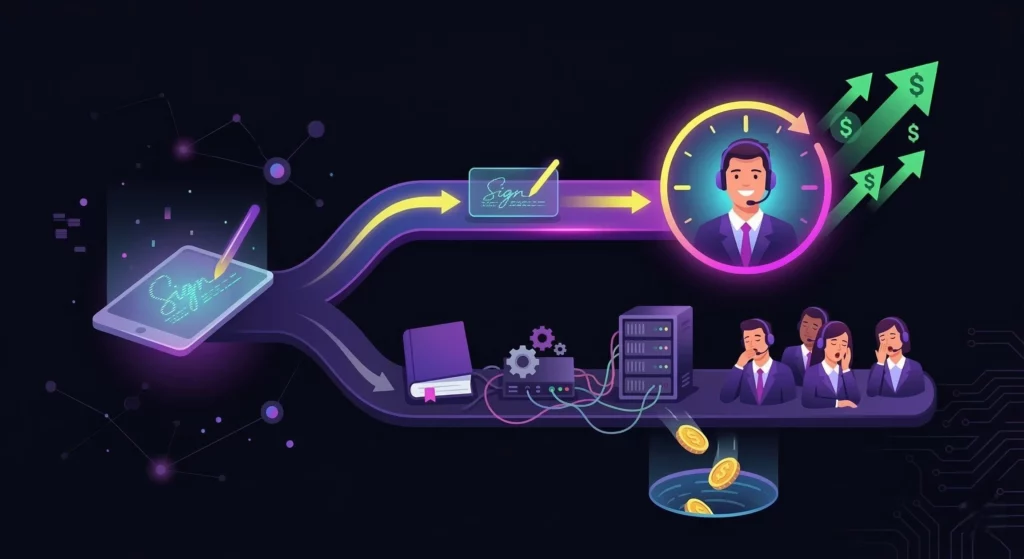
One final question you must ask the rep is: “If I sign today, when can my team make their first call?”
Modern cloud platforms like VoiceDrop should be near-instant, allowing you to get up and running within 24 to 48 hours. In contrast, legacy platforms might take weeks of configuration and training. Speed of implementation is a key buying factor, as every day spent setting up is a day lost in revenue.
Conclusion
A demo shouldn’t be a show; it should be an interrogation. The “best” tool isn’t the one with the most buttons; it’s the one your team will actually use on Monday morning.
Stop settling for static emails and manual dialing. Your competitors are already using automation to beat you to the lead.
Ready to see what a high-velocity sales stack looks like?
Book your free demo today and see the power of voice automation in action.
FAQ’s
How long should a demo for a sales engagement platform take?
A good demo should generally take between 30 and 45 minutes. Ideally, this includes 15 minutes for discovery (discussing your needs) and 20 minutes for a walkthrough of the platform. If it takes longer, the software might be too complex for your team to adopt quickly.
Can I get a free trial instead of booking a demo?
Some PLG (Product-Led Growth) companies offer trials. However, for complex sequencing tools, a guided demo is usually recommended. This ensures you understand the technical setup, including SPF/DKIM records and CRM integrations.
What is the most important question to ask during a demo?
The single most valuable request is: “Can you show me how to set up a sequence right now?” This tests the user interface (UI) and ease of use in real-time, preventing the rep from hiding behind prepared slides.
Why do I need sales engagement statistics?
You need benchmarks to know if your team is performing well. Platforms that help industry data to understand what “good” looks like regarding open rates and call connections. For more insights, you can review current sales productivity statistics to set realistic targets.