
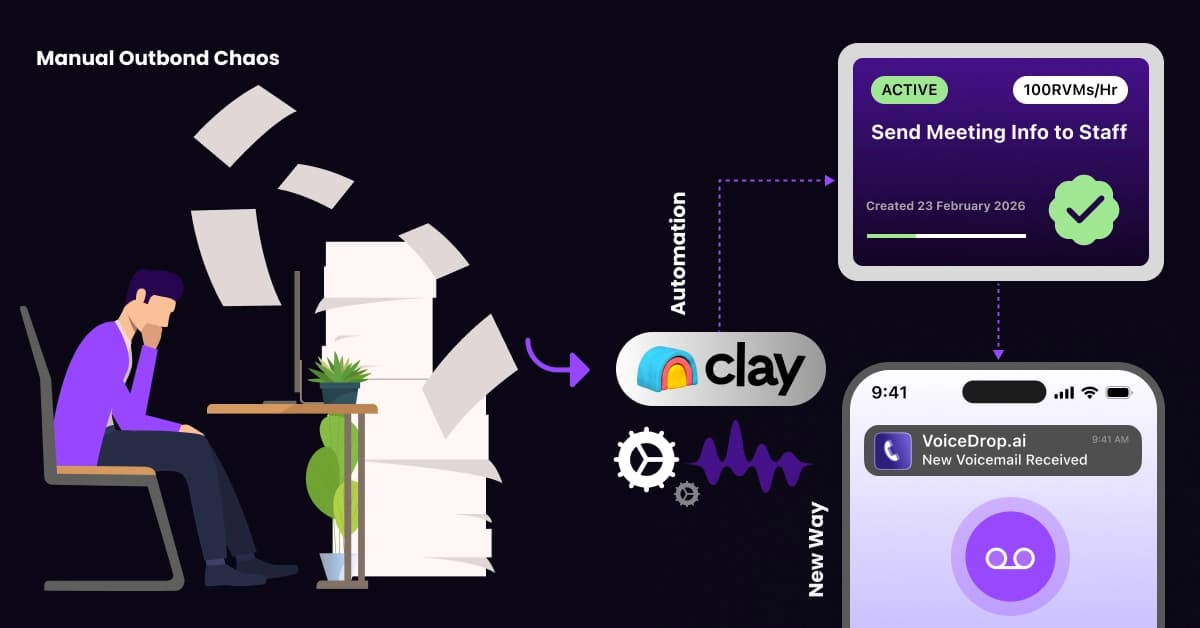
The “Old Way” of outbound sales is a productivity nightmare. Sales reps open 50 tabs, copy LinkedIn URLs manually, and paste them into a scraping tool. Subsequently, they export a messy CSV, clean it, and upload it to a dialer. However, by the time they are ready to dial, the lead has already gone cold.
Fortunately, there is a superior method. Modern sales teams are shifting toward Autonomous Outbound. Instead of acting as data entry clerks, they build “machines” that handle research, enrichment, and dialing automatically. Consequently, humans can focus solely on the conversation.
What is Clay.com, and why is it Changing Sales?
Clay is often mistaken for a spreadsheet; in reality, it operates as a “Central Nervous System” for data. Unlike Excel, Clay connects natively to over 50 data providers without requiring a single line of code.
Furthermore, Clay solves the biggest B2B sales headache: Data Normalization. Raw data often arrives with messy, incorrect capitalization or inconsistent job titles. Clay automatically transforms this incomplete data into a standardized format. Therefore, your CRM remains organized, and your dialer receives accurate contact information every time.
Understanding the “Waterfall Enrichment” Concept
Finding valid mobile numbers is the hardest part of prospecting. A critical concept to master here is that no single data provider has 100% coverage. If you rely solely on one contact database, you are likely missing out on 40-50% of your potential market.
The solution is a “Waterfall.” This is a sequential process where Clay asks Provider A for a number. If Provider A doesn’t have it, the system automatically asks Provider B, and subsequently Provider C. By cascading through multiple databases, you can maximize your mobile number coverage from a standard 40% to over 80%.
Why Waterfalls Win
Beyond coverage, waterfalls are incredibly cost-effective. Consider the math:
- Provider A (Entry Level): Costs $0.05 per match.
- Provider B (Premium): Costs $0.50 per match.
By configuring the workflow to check Provider A first, you only pay the premium rate when the cheap provider fails. Thus, you save budget while maximizing results.
Pro Tip: Not sure which provider to put first? Start with a high-coverage, cost-effective layer. 👉 Check 1Lookup’s Data Coverage
Step 1: Setting Up Your Clay Table
The first step in building your machine is establishing a “Source.” Inside Clay, you have three primary options for importing data. You can import a CSV of existing leads, pull data directly from your CRM (like HubSpot or Salesforce), or use the “Find People” integration to generate leads from scratch based on job titles and location.
Once your source data is populated, ensure that you have a column containing the LinkedIn Profile URL. This URL acts as the unique identifier that allows enrichment tools to find the correct person.
Step 2: Building the Mobile Number Enrichment Waterfall
This is the technical core of the workflow. Follow these steps to maximize mobile number discovery:
- Configure the First Layer (Low-Cost): Start by adding an enrichment column using a cost-effective provider. Map the “LinkedIn Profile” column to the provider’s input field. This layer captures the “low-hanging fruit.”
- Configure Backup Layers: Next, set up “Conditional Runs.” Create a second column using a premium provider (like Datagma or Prospeo). However, configure the settings so that this column runs only if the first column is empty.
- Normalize the Format: VoiceDrop requires the E.164 format (e.g., +15550000000). Use Clay’s “Format Phone Number” formula to strip special characters. Consequently, the API call will not fail due to bad formatting.
Recommended Tool: Need a reliable API for your primary enrichment layer? 👉Integrate 1Lookup API into Clay. 1Lookup is built by the same team as VoiceDrop.
Step 3: Validating the Data Before Dialing
Quantity does not equal quality. Sending voice drops to landlines or disconnected numbers will hurt your campaign performance and waste credits. Therefore, you must introduce a validation step.
Use a validation tool in Clay (e.g., Numverify) to verify the number. This check confirms if the number is an active mobile line. You can then create a filter view that only allows “Valid Mobile” numbers to proceed to the next step, protecting your sender reputation.
Step 4: Connecting Clay to VoiceDrop
At this stage, you have a verified, formatted mobile number. The final piece of the puzzle is to send it to VoiceDrop instantly to trigger the voicemail.
Generating Your VoiceDrop API Key
First, log in to your VoiceDrop dashboard. Navigate to the settings menu to find your unique API Key. You will need this key to authorize the connection between Clay and your campaign. For more detailed instructions on connecting tools, refer to our VoiceDrop Integrations Guide.
Setting Up the HTTP Request in Clay
This specific step allows you to bypass third-party automation tools like Zapier, saving money and reducing latency. Add an “HTTP API” column in Clay and configure it as follows:
- Method: POST
- URL: https://api.voicedrop.ai/v1/campaigns/add-contact
- Headers: Authorization: Bearer [YOUR_API_KEY]
- Body: Map the Phone Number and First Name columns from your Clay table into the JSON body.
As a result, the data flows instantly from the spreadsheet to the dialer upon enrichment completion.
The “Speed to Lead” Advantage
Why go through this technical setup when you could just upload a CSV? The answer is speed. This workflow is vastly superior to batching because it allows for real-time engagement.
Consider the psychological impact: A prospect visits your website or accepts a LinkedIn connection request. Clay detects this, enriches their profile, and triggers a VoiceDrop. Within minutes, the lead receives a ringless voicemail. They feel attended to immediately, increasing the likelihood of a callback. This is the core principle of Ringless Voicemail Marketing, hitting the prospect while you are top-of-mind.
Advanced Workflow Logic: Filtering and Scoring
To make your system even smarter, you should add “Guardrails” to prevent waste.
Filtering by Company Size and Revenue
Not every lead is worth a premium voice drop. You can use Clay to enrich the Company data associated with the lead. Set up a filter logic: If the company has fewer than 10 employees, skip the VoiceDrop step. This ensures you conserve your budget for high-value prospects.
Checking for “Job Changes”
Additionally, Clay can detect whether a person has recently changed jobs. There is nothing worse than calling a prospect about a company they left six months ago. By filtering for “Job Start Date,” you can ensure you reach only decision-makers who are currently in the seat.
Compliance and Ethical Automation
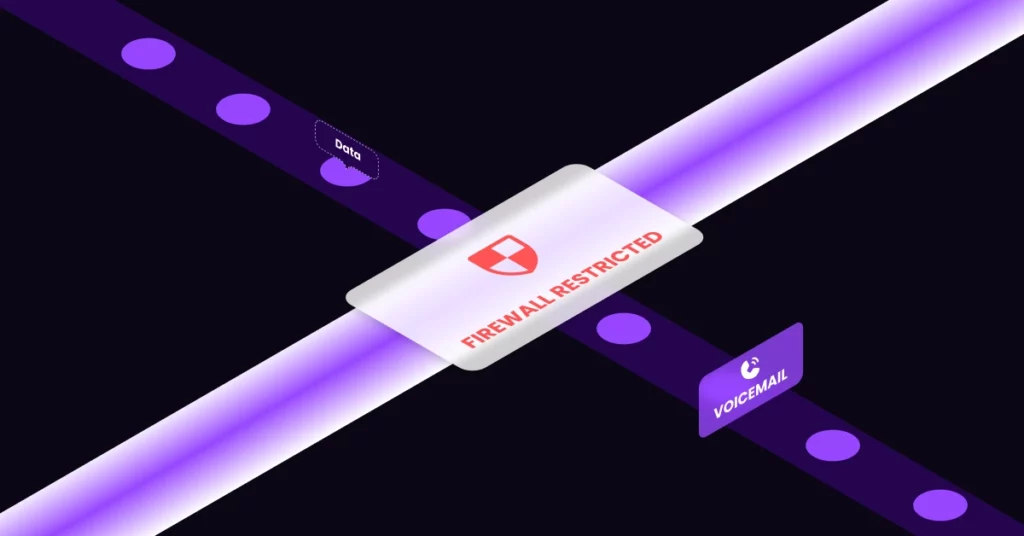
Automation is powerful, but it must be used responsibly. Violating telemarketing laws can lead to severe fines and reputation damage.
Managing Opt-Outs (DNC Lists)
Before triggering the API, your workflow should cross-reference the phone number against your internal “Do Not Call” list. You can maintain this list as a separate table in Clay. If a match is found, the workflow should terminate immediately. Always stay up to date on the FCC Robocall Rules to ensure your campaigns remain compliant.
Rate Limiting
Finally, be mindful of volume. Sending 1,000 requests in a single minute can look suspicious to carriers. We suggest using Clay’s “Rate Limit” features to drip-feed leads into VoiceDrop. This simulates natural human behavior and improves delivery rates.
Alternative Integration Methods
If the HTTP Request method described above feels too technical, there are low-code alternatives available.
Using Zapier or Make.com
You can configure Clay to send data to a Webhook, which Zapier catches and then relays to VoiceDrop. While this is slightly slower than a direct API call, it is often easier for non-technical users to visualize and manage. For a walkthrough on this method, check out the official Clay and Zapier Guide.
Conclusion
By implementing this workflow, you fundamentally change your role. You transition from a “Data Entry Clerk” shuffling CSV files to a “Systems Architect” overseeing a revenue engine. This machine works while you sleep; consequently, every valid lead is contacted instantly without manual intervention.
If you are ready to automate your outreach, Start Your Free Trial with VoiceDrop today and connect it to your Clay workflow.
FAQ’s
How much does a Clay enrichment workflow cost?
Costs vary based on the data providers used in your waterfall. However, because you only pay for successful matches in a waterfall, the cost-per-lead is usually 30-40% lower than buying lists from a single premium provider.
Can I use this workflow for cold emailing as well?
Yes, absolutely. In the same Clay table, you can have a column that triggers an email via Smartlead or Instantly, and another column that triggers a voicemail via VoiceDrop, creating an omnichannel sequence.
What happens if Clay finds a landline instead of a mobile?
VoiceDrop’s ringless voicemail technology generally works best with mobile devices. In the “Validation” step of the workflow, you should filter out numbers identified as “Landlines” to ensure high delivery rates.
