
Best Salespype Alternatives: Top CRM and Sales Pipeline Tools for 2025
Discover the best Salespype alternatives for 2025. Explore top sales pipeline tools to enhance your business operations with detailed features, and pricing.
In the current ever-changing business landscape, the utilization of the right CRM and sales pipeline tools is integral to the success of a company. Although the Salespype platform has been a significant contributor in this category, numerous companies are choosing to look for alternatives that might seem to be a better match for their unique requirements.
This exhaustive write-up will present you with some of the best alternatives to Salespype that are available in 2025, thereby facilitating your firm to make an educated choice.
Understanding Salespype & Why You Might Need an Alternative
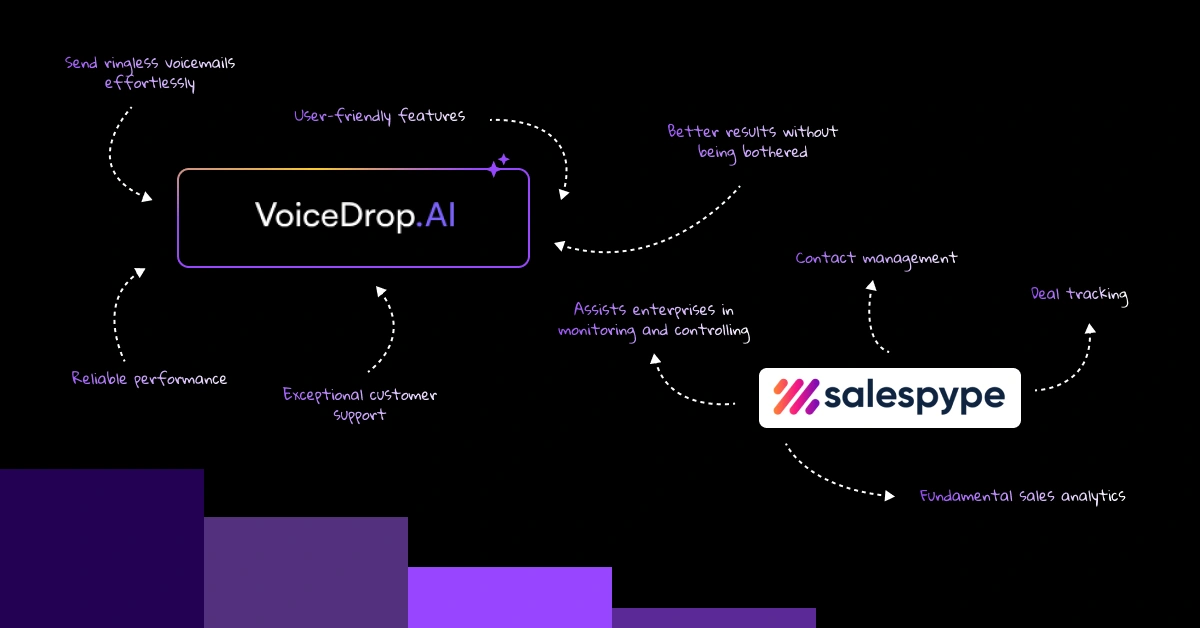
Salespype is a tool for CRM and sales pipeline management that assists enterprises in monitoring and controlling their sales processes. The major features it has are contact management, deal tracking, and fundamental sales analytics. However, as firms change and grow, they face many constraints that make them look for other options.
The most frequently faced limitations that are reported by the users of Salespype include a lack of advanced customization options and fundamental reporting features. Many users perceive that the integration choices are a little bit restricted, particularly when their business is on the rise. The customer support feature although available, in some cases does not meet the user’s expectations especially when it comes to complicated issues.
Top Salespype Alternatives for Your Needs
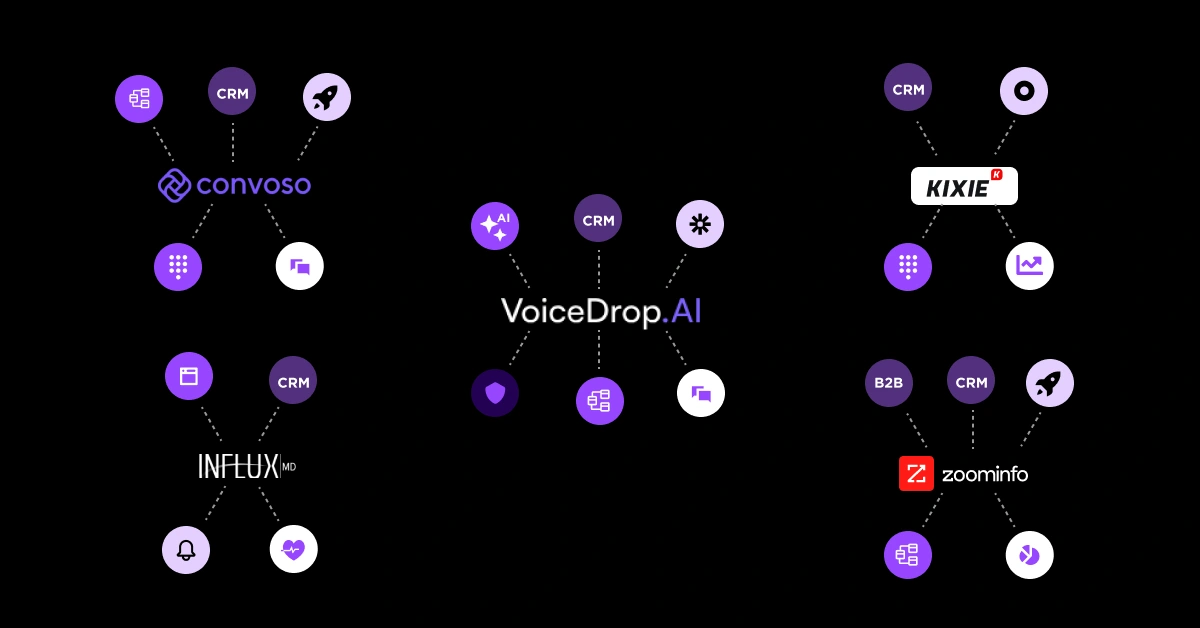
Voicedrop
Voicedrop is distinguished as a full-fledged CRM that delivers smart contact management and advanced communication features in one package. Voicedrop is the best choice for businesses that are mainly focused on customer engagement and want a strong communication tool inside their CRM system.
Key Features
Voicedrop combines effective communication in a single hub by integrating voice, email, and messaging, making it a highly efficient tool for customer engagement. The advanced contact management system allows for detailed organization, and the automated follow-ups breathe life into your sales processes, so you’re sure that no one is lost. The interactive sales pipeline is easily visualized with the drag-and-drop function and assigned detailed performance analytics, which are needed for the decision on future actions.
Pricing
Their pricing structure is simple and very competitive, starting from:
Starter Plan: $29/user/month
Professional Plan: $49/user/month
Enterprise Plan: Custom pricing
Annual subscription plans have a 15-20% discount offer, and the new users can try it out free of charge for 14 days.
Pros & Cons
Voicedrop has things going for it such as its simple and intuitive user interface along with its diverse communication features, which are backed up by a professional customer support team and regular updates. However, users should take into account the high costs of advanced features and the time it takes to learn them.
CloudTalk
CloudTalk is not a cloud-based sales and communication platform the way it is just as an example of integrated phone system capabilities within a CRM environment. It is an excellent choice mainly for companies managing large amounts of phone calls and needing a range of features related to call management.
Key Features
The application has a smart dialer that can automate calling with efficient call queuing. Comprehensive record-keeping and analytics give you the necessary insight into the team’s work. The app comes with international numbers supporting global operations, offers seamless integration with popular CRM platforms, and has real-time dashboards for team performance and call metrics.
Pricing
CloudTalk prices are tiered as:
Starter: $25/user/month
Essential: $30/user/month
Expert: $50/user/month
It’s possible to access custom solutions specifically for clients and the volume discounts for the larger teams are negotiated.
Pros & Cons
On the plus side, CloudTalk’s strong call quality and integrated system are evident. The analysis is deep, and the interface is user-friendly, so the sales team can easily work with it. However, the point of being reliant only on the internet connection can be a sore spot, and some advanced options are available for the higher-tier plan only. Another consideration is companies should be aware that the pricing may differ from region to region.
Convoso
Convoso can be really described as a powerful solution for an outbound contact center, and integrated CRM functionality. It specifically targets firms handling high volumes of outbound sales, thereby, working towards effectiveness of call center operation, and large sales teams that demand advanced communication instruments.
Key Features
At the heart of Convoso is the predictive dialing system, which with the use of sophisticated algorithms, significantly improves contact rates by routing calls more efficiently. The dynamic scripting feature promotes conversation quality by allowing teams to customize and adapt call scripts in real time. It’s user-friendly lead management system that tracks and scores leads exceptionally well, alongside built-in regulatory compliance tools that secure business operations and assure they are lawful, are all integral features of the application.
Pricing
Convoso’s pricing reflects its business-centric mentality, as the:
Basic: $99/user/month
Professional: $149/user/month
Enterprise: Custom pricing
The platform has a minimum user requirement but offers volume-based discounts for larger teams. The total investment should also consider implementation and training costs.
Pros & Cons
High-value dialing system and solid reporting are two of the major pulling cards that Convoso has. The strong compliance attributes together with outstanding scalability illustrate that this is an ideal solution for companies that are growing. The initial entry fees that are higher and the complicated setup process can however be con-fronting to smaller businesses. Moreover, one must have the right technical skills to be able to leverage the platform properly.
Influx MD
Influx MD is primarily designed for healthcare providers and comes with specialized CRM features that relate to medical practice management and patient relationship management. The system’s healthcare-centric point of view makes it one of a kind compared to general-purpose CRM solutions.
Key Features
The system significantly reduces the workload of patient management by storing massive records and histories about patients while HIPAA compliance is ensured. The scheduling system of the appointments incorporates reminders that are automatic as tools to decrease the no-shows. The platform offers seamless integration of medical billing and insurance processing, as well as treatment-tracking tools contributing to better patient care through effective healthcare management.
Pricing
The pricing arrangement is made to satisfy the requirements of medical practices:
Basic Practice: $199/month
Professional: $299/month
Enterprise: Custom pricing
Extra provider licenses are up for grabs, while the training and installation fees should be included in the budget planning of the medical practices.
Pros & Cons
The platform’s healthcare-specific features and strong compliance measures have ensured its value addition to medical practices. The joint billing solutions and the patient management tools are the highlights here. Nevertheless, because of its industry-focused nature, it lacks in general CRM capabilities, thus, might not be a good fit for smaller practices looking for cost-effective solutions.
Kixie PowerCall & SMS
Kixie PowerCall & SMS, which is the trusted calling platform of forwarding machines, brings together calling and CRM features in one place. Therefore, it is the perfect pick for sales teams that heavily depend on calling. The integration capabilities and communication tools allow for a sales environment that is more seamless.
Key Features
The power dialer automates calling processes which leads to better efficiency and convenience, while integrated SMS capabilities enable multi-channel communication. Call recording features to facilitate training and quality assurance. Real-time synchronization with major CRM platforms ensures data consistency, and the analytics dashboard provides comprehensive insights into team performance.
Pricing
Kixie features a transparent pricing table:
Starter: $35/user/month
Professional: $65/user/month
Enterprise: Custom pricing
Annual billing discounts are available, and additional feature packages can be added as needed.
Pros & Cons
The platform’s powerful calling features and excellent CRM integration make it a strong contender. Users appreciate the user-friendly interface and strong mobile support. However, the system’s reliance on internet connectivity can be limiting, and international calling may incur additional costs.
Drop
The Drop platform directs its CRM solution to those who prefer to keep things simple while being efficient. It is an ideal choice for small to medium businesses that want an easy-to-use but effective sales management tool.
Key Features
The platform delivers easy management of the pipeline by giving a visual representation of the sales processes. The automation of tasks concerns routine follow-ups which are done by the task automation function, while contact management remains simple but effective. The platform offers an email integration that gives basic tracking and templating capabilities; the user interface of the mobile application is friendly for on-the-go access.
Pricing
The Drop pricing strategy is very competitive:
Basic: $15/user/month
Advanced: $25/user/month
Premium: $40/user/month
They do offer a free trial and nonprofit organizations are eligible for special discounts.
Pros & Cons
Drop has a straightforward, intuitive interface and low-cost pricing which makes them appealing to smaller businesses. Quick setup and good mobile experience are prominent advantages. Nevertheless, an absence of advanced features and basic reporting capabilities might not fulfill the requirements of more complicated business needs.
ZoomInfo Sales
ZoomInfo Sales is a combination of sales intelligence and CRM functionality; thus, it is a super B2B data source and analytics platform. This software is a great solution for the particular type of users who need to have proper market intelligence, in addition to their CRM tools.
Key Features
The large B2B database contains information about verified companies and contacts, with the addition of advanced intent data for potential buyers’ identification. Sales intelligence tools yield market insights that will inform the strategic decision-makers. The platform stands out due to its extensive integration capabilities with pre-existing CRM systems; moreover, it offers rich data analytics for performance tracking.
Pricing
ZoomInfo Sales operates on a custom pricing model:
Professional: Custom pricing
Advanced: Custom pricing
Elite: Custom pricing
All plans are subject to annual contracts, while organizations with a larger number of users will get a volume-based pricing option.
Pros & Cons
B2B sales types benefit from the platform’s detailed data and intelligence features. Data updating is frequent, and integration options are exceptional, which makes the tool quite usable. On the downside, a higher pricing standard and a detailed pricing scheme can act as a deterrent to small establishments. Users can expect to encounter a rather steep learning curve.
How to Choose the Right Salespype Alternative
Choosing the right Salespype alternative is a systematized process that should be aimed at your company’s particular needs and abilities.
- The first step is to evaluate your business needs by reviewing your current sales processes, team distribution, and growth estimates. You also need to consider aspects like your sales cycle’s complexity and specific industry requirements that may affect your decision.
- After that, look into the technical matters. Ponder over the site’s ability to integrate with your other existing tools and both technical skill levels necessary for its establishment and maintenance. Furthermore, the system’s scalability features, which will meet your future growth concerns, should be an area of priority.
- Your financial considerations should go beyond just the base subscription. You also need to calculate the total cost of ownership, which includes implementation, training, and other features you may require. Furthermore, you need to determine the ROI based on the performance improvements you expect.
The user experience is a significant factor in whether or not the program is accepted. So, you need to look into how user-friendly the interface is at the start, as well as where to find training resources later on. Also, your team’s tech competency and the time needed for them to be efficient with the new system should be taken into consideration.
Prioritizing VoiceDrop Over Other Platforms
Choose VoiceDrop because we leave no stone unturned to guarantee that you can send ringless voicemails effortlessly, and it differs us from other platforms. With user-friendly features, reliable performance, and exceptional customer support, we promise you get better results without being bothered, giving you a clear edge over competitors as well as saving time and effort in the process. So, Book a Demo today and see that we back our words completely!