
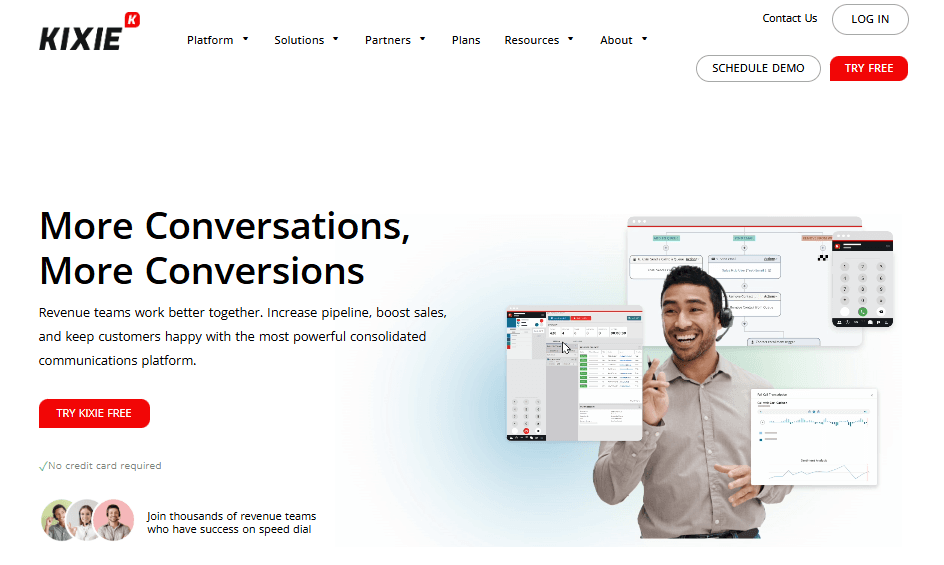
This Kixie review looks at how the platform positions itself as a sales engagement tool focused on calling and texting at scale. According to Kixie, the product is designed to help revenue teams connect with more leads by automating outbound calls, SMS outreach, and CRM activity logging, all from one interface.
In this review, we take a closer look at Kixie by looking at what the company claims to offer, how users describe their experiences across platforms like G2, Capterra, and SourceForge, and what potential buyers may want to consider before committing in 2025.
Kixie Overview
Kixie presents itself as a solution primarily for inside sales teams, SDRs, and small to mid-sized organizations that rely heavily on phone and text outreach. The product is commonly marketed as a productivity tool rather than a full contact center solution.
According to the platform, key capabilities include:
- Multi-line power dialer
- Team SMS
- Connection-boost
- Conversation intelligence
- Intelligent call routing
- DNC list compliance
- Caller ID reputation
- Realtime reporting
So, does Kixie actually deliver these results for real users?
To answer that, we analyzed reviews across multiple reputable platforms to see what real businesses are experiencing. Let’s break it all down.
User reviews and ratings
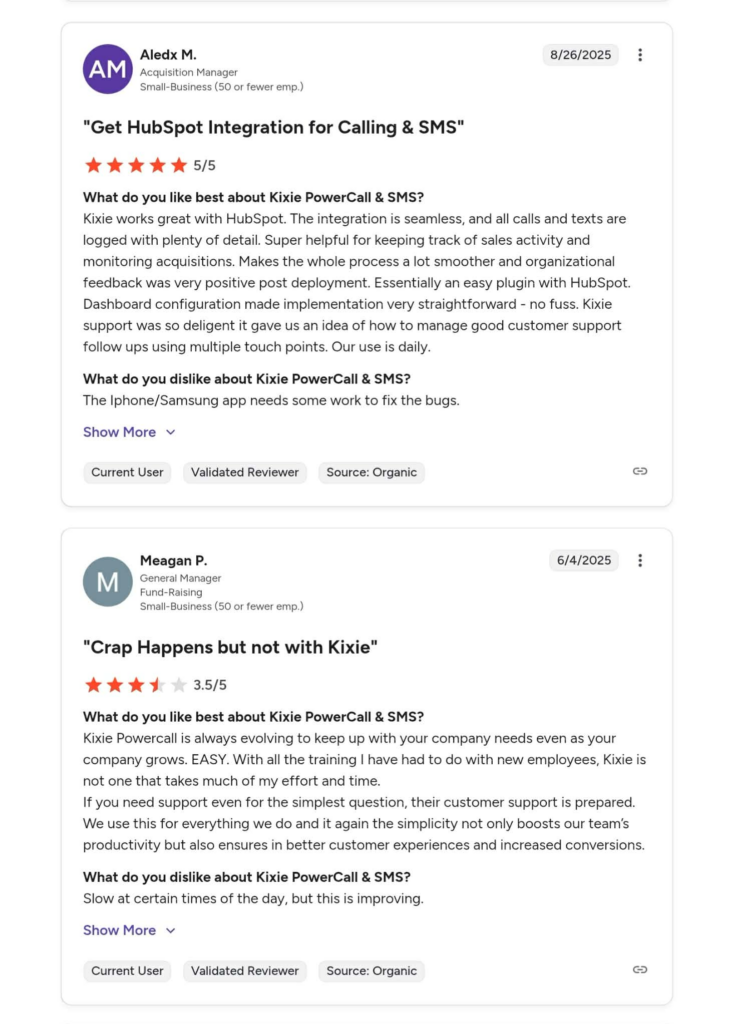
On G2
Rating: 4.8/5 (860 reviews)
With 90% of reviewers giving 5 stars and 1,7% giving 1 star.
From the “Pros & Cons” summary generated from user reviews, the most frequently mentioned positives are:
- Ease of use (114 mentions)
- Helpful (101 mentions)
- Customer support (90 mentions)
- Time-saving (66 mentions)
- Automation (55 mentions)
On the negative side, a smaller number of reviewers mention:
- Call issues (41 mentions)
- Dialer issues (22 mentions)
- Number issues (19 mentions)
- Missing features (19 mentions)
- Software glitches (18 mentions)
Cre: G2
On Capterra
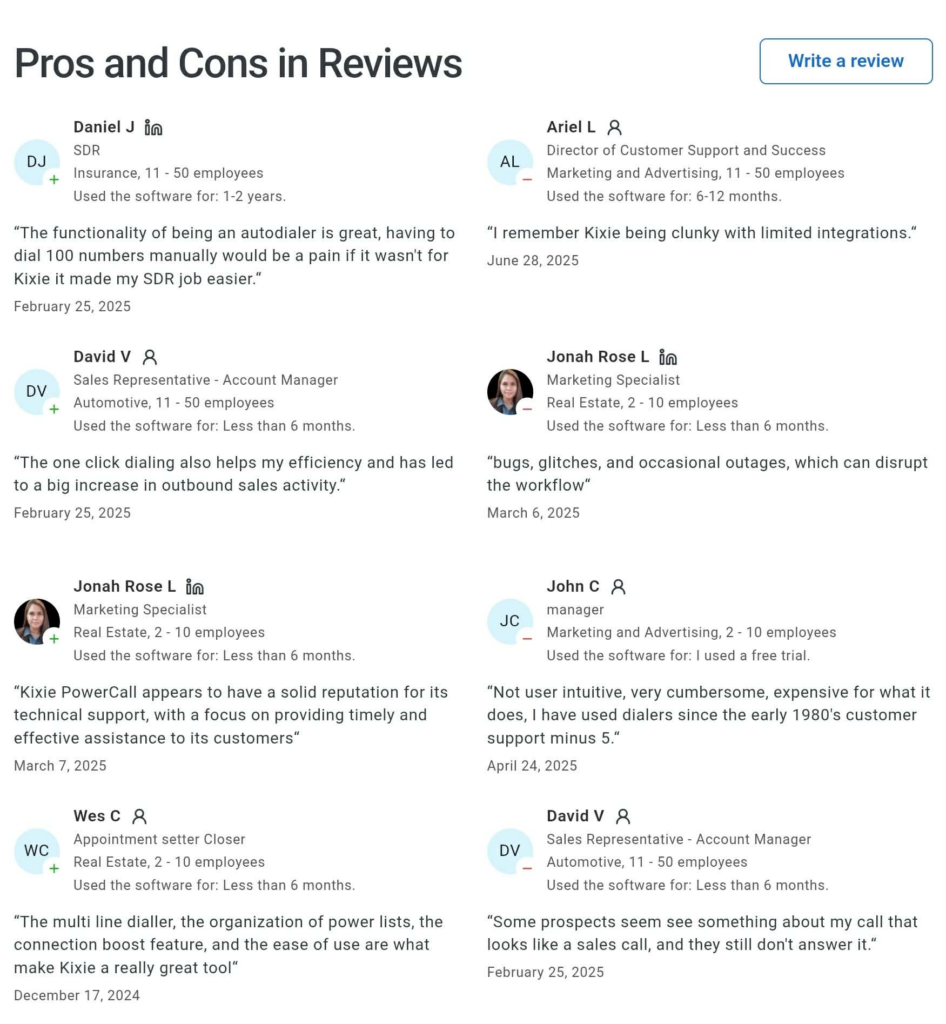
Rating: 4.7/5 (293 reviews)
Capterra reviews often highlight ease of use and customer support. According to multiple reviewers, Kixie’s support team is responsive during onboarding and when issues arise.
Positive feedback frequently mentions:
• Faster outbound workflows using power dialing
• SMS follow ups that help maintain contact with leads
• Helpful support during setup and troubleshooting
Negative feedback on Capterra tends to focus on technical reliability. Some users describe bugs, call quality inconsistencies, or features not working as expected during high volume usage.
Cre: Capterra
On SourceForge
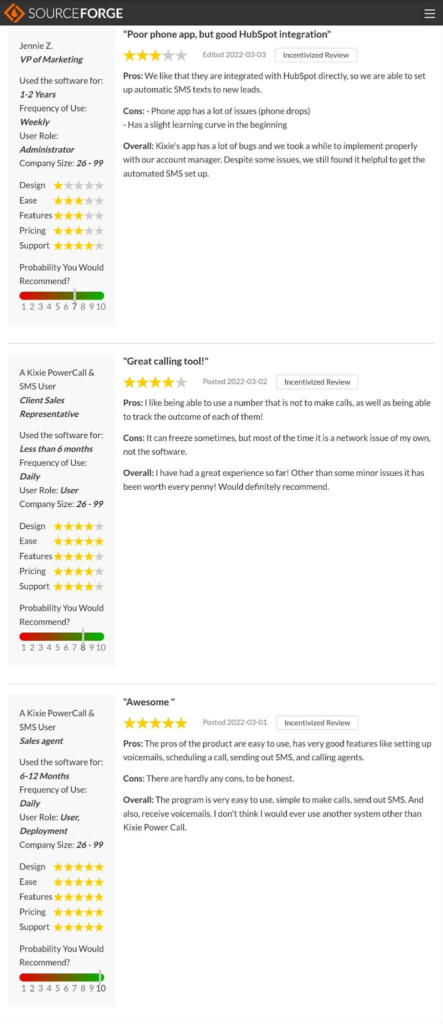
Rating: 4.7/5 (13 reviews)
Kixie has a way smaller number of reviews on SourceForge compared to platforms like G2 and Capterra. Users often describe the platform as a practical tool for handling outbound calling and SMS from a single interface.
Several users mention that the ability to place calls, send texts, and track activity in one system is convenient for day to day sales workflows. Some reviewers say this consolidation helps reduce the need to switch between multiple tools, especially for smaller sales teams.
At the same time, a few users note that while the core dialing and messaging features meet their immediate needs, the system may feel restrictive for teams that require:
• More advanced call routing or complex workflows
• Deeper reporting and customizable analytics
• Enterprise-level controls or highly tailored configurations
Cre: SourceForge
Review Authenticity
Each platform applies its own moderation and verification processes.
- G2 states that it requires account verification and uses internal checks to reduce inauthentic reviews.
- Capterra describes a mix of automated systems and human moderation to confirm reviewers are real users and to filter out spam or low quality submissions.
- SourceForge also applies moderation policies and requires users to be logged in before leaving reviews.
On G2, some Kixie reviews are labeled as verified or organic, where reviewers either used a business email address, connected their account to the product, or explicitly stated that the review was written without incentives. These labels provide additional context, though they do not independently guarantee a positive or negative experience.
On Capterra, some reviews are marked as vendor referred, meaning the reviewer was invited by the vendor to share feedback. These reviews still go through Capterra’s moderation process and are published alongside non invited reviews, but the label helps readers understand how the feedback was collected.
Another useful signal is timing. Reviews for Kixie appear across a wide range of dates on G2, Capterra, and SourceForge, rather than being clustered into a short time window. This spacing suggests that feedback is submitted on an ongoing basis rather than during a single coordinated review campaign.
Overall, the publicly visible metadata shows a steady accumulation of reviews over time across multiple platforms. While no review system is perfect, the combination of platform level moderation, reviewer labels, and spread out timing provides helpful context for assessing how representative the feedback may be.
Pros & Cons
Kixie’s pros
- Ease of use: many reviewers mention Kixie is and easy to learn, helping reps get started quickly.
- CRM integration and logging: calls and texts automatically sync with CRMs like HubSpot, which reduces manual data entry
- Helpful customer support: many reviewers describing responsive and practical help during onboarding and troubleshooting
- Time saving: power dialing, SMS follow-ups, and automation features are often mentioned as major time savers
- Feature set: multiple users mention that calling, texting, and CRM interactions are available in one place
Kixie’s cons
- Call and dialer issues: a notable number of reviewers report occasional dropped calls or dialer quirks that affect ringing and lead review workflows
- Software glitches and technical issues: users across platforms mention glitches, occasional crashes, or broken CRM links disrupting workflows
- Missing or limited features: some reviewers say that certain features, like enhanced caller ID options or voicemail playback are lacking
- Slow loading: there are mentions of slow loading times and occasional freezes requiring refreshes or restarts
- Pricing transparency: at least one reviewer expressed frustration about unclear pricing information and trial experience.
Don’t invest in any tool before…
Considering the following tips:
- Check multiple review platforms to ensure consistent user feedback.
- Look at the timing of reviews, sudden bursts of positive reviews can be a red flag.
- Research what people are saying on forums like Reddit for more unbiased opinions.
- Ask fellow business owners about their experiences with the service.
Ultimately, the best provider is one that will give your sales team a massive leg up and make the whole process a lot easier.
Kixie is a solid option, but if your main focus is AI-powered voice and ringless voicemails…
Consider VoiceDrop as an Alternative
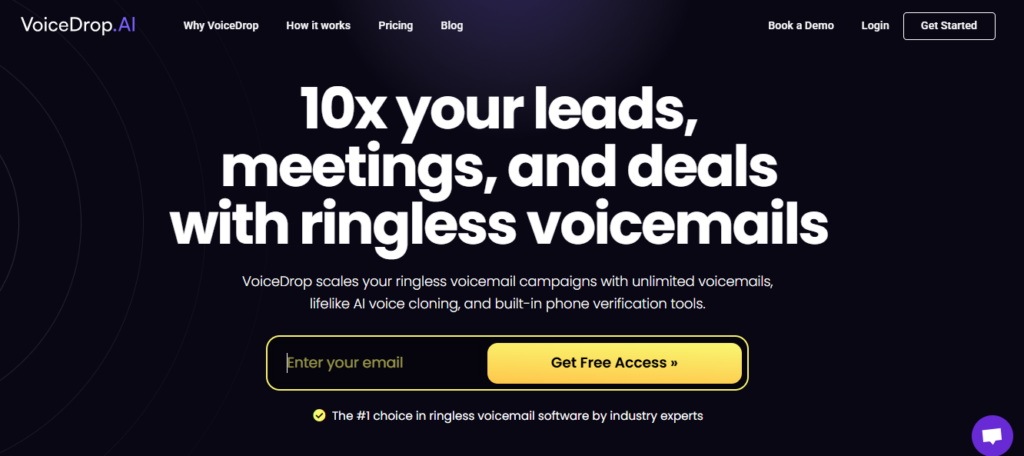
If you’re looking for a feature-rich, AI-powered ringless voicemail solution, VoiceDrop is an ideal choice for sales teams, outreach specialists, lead generation agencies, recruiters, and business owners.
Unlike Kixie, VoiceDrop offers an AI-powered inbound callback system that:
- Qualifies leads
- Schedules appointments
- Works 24/7 - no breaks, no burnout
Starting at $95 per month, VoiceDrop lets you send up to 1,000 ringless voicemails each month. The ENTERPRISE plan guarantees the best pricing in the market.
Some of its features include:
- Use a phone number you already own
- 10+ active campaigns
- Voice Clone seat(s)
- Rotate phone numbers in your campaign
- API, Zapier & Make Integration access
- Voice Units Roll-over
- Multilingual support
- Multi-Attempt Delivery™
- Intelligent Voice Scaling™
VoiceDrop also offers a 7-day free trial so you can experience its capabilities firsthand.
