

You just finished a job perfectly. The client was smiling, the service was flawless, and the handshake was firm. You drive away confident that a 5-star review is imminent. Yet, weeks go by, and your Google Business Profile remains silent.
This is the “Silent Happy Customer” problem.
Most business owners share a common frustration: satisfied customers rarely leave reviews unprompted, while unhappy customers are quick to write a novel-length complaint.
However, “Silence is not Golden” in 2026; it is a ranking killer.
Without a steady stream of fresh, positive feedback, your Google Business Profile sinks to page two of search results. Effectively, you become invisible to new prospects.
Why 5-Star Ratings Are the Currency of Local SEO
Reviews are no longer just vanity metrics; they are the primary currency of trust online.
Google’s algorithm prioritizes businesses that display consistent, high-quality feedback. In fact, review signals make up 17% of Google’s Local Pack ranking factors according to Moz.
If you want to dominate your local market, you must understand the data. According to the Local Consumer Review Survey, 98% of consumers read online reviews for local businesses. Lacking a strategy to harvest this feedback is akin to leaving money on the table.
Why “Please Leave a Review” Emails Fail
For years, the standard playbook has been to send an automated “How did we do?” email. While this method is better than nothing, it is rapidly failing to deliver results in today’s saturated digital environment.
The Inbox “Blindness”
Your customers are trained to ignore generic requests. When they see a subject line like “Feedback Request,” they instinctively view it as administrative clutter or worse, spam.
Consequently, open rates for these emails have plummeted, and click-through rates are even lower. A request that is never seen cannot be acted upon.
The Friction of the “Click”
Even if they open the email, the friction is too high. Asking a customer to click a link, log in to Google, and type out a review feels like “work.” Conversely, a voice request feels like a conversation. To get results, you need a channel that feels more human, not like a survey bot.
The “Blue Ocean” Strategy: Ringless Voicemail (RVM)
To cut through the noise, savvy businesses are turning to VoiceDrop. This technology offers a “Blue Ocean” strategy by allowing you to bypass the crowded inbox entirely using Ringless Voicemail (RVM).
Turning a “Request” into a “Thank You”
The strategy requires a paradigm shift. Instead of begging for a favor, use RVM to express gratitude. When you frame the message as a sincere “Thank You” for their business, it changes the dynamic of the relationship. Naturally, this approach disarms the customer and makes them want to help you in return.
The Psychology of Reciprocity
This effectiveness is rooted in human psychology. When a founder or manager takes the time or appears to take the time to leave a personal voice message, it creates a sense of “social debt.”
The customer feels appreciated, and the “Reciprocity Principle” kicks in.
Because you took the time to leave a voice message, they feel a subconscious “social debt.” They are significantly more likely to leave a review as a return favor. For more insights on how to leverage this psychology, you can explore our Review Generation Strategies.
The Perfect Timing: When to Drop the Voicemail
However, a great script sent at the wrong time is useless. Timing is everything when it comes to emotional engagement. If you wait too long, the emotional high of the purchase fades, and the review becomes a chore.
The “Strike While Hot” Rule (24-48 Hours)
We advise sending the voice drop within 24 to 48 hours of service completion. This is the “Golden Window” when the customer’s dopamine levels regarding the new purchase or completed repair are at their peak.
The “Service Completion” Trigger
For service-based businesses like plumbers, HVAC technicians, or real estate agents, the trigger should be immediate.
Don’t wait. Set the voicemail to drop shortly after the invoice is marked “Paid” or the job is marked “Complete” in your CRM. This captures the client at the exact moment their problem has been solved.
5 Google Review Request Templates for Voicemail
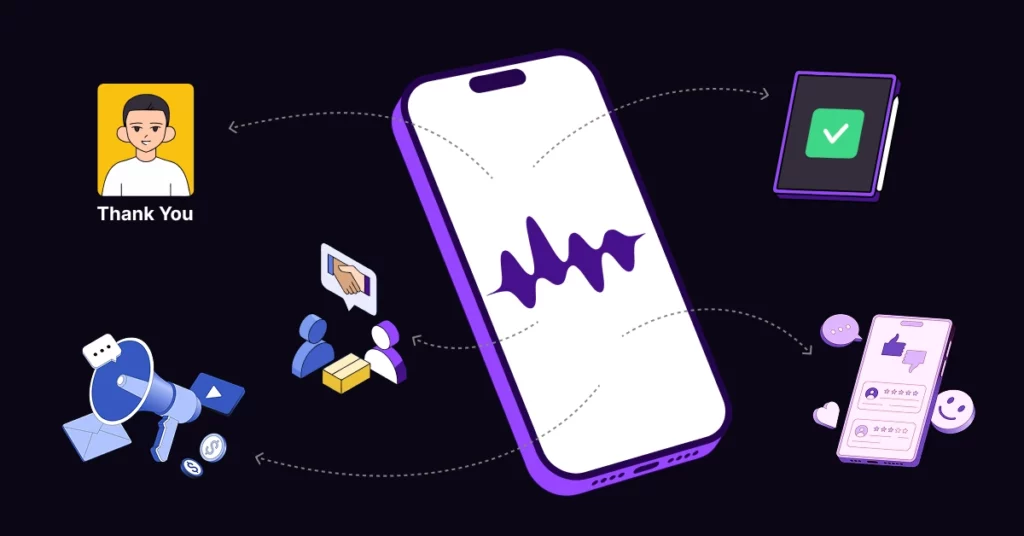
One size does not fit all. To maximize your conversion rate, you need a script tailored to your specific relationship with the client. Here are five templates you can record today.
1. The “Founder’s Thank You” (General Business)
“Hi, this is [Name], owner of [Business]. I just wanted to personally thank you for choosing us. We are a small local team, and if you had a great experience, a quick mention on Google would mean the world to us. Thanks again!”
2. The “Project Completion” (Contractors)
“Hi [Name], just checking that your new [Roof/Kitchen] is settling in well. My crew loved working with you. If you have 30 seconds, a review helps us keep the guys busy! Hope you are enjoying the upgrade.”
3. The “B2B Partnership.”
“Hi [Name], great working with you on this quarter’s filing. We are trying to grow our online presence. If you felt we delivered value, a 5-star rating would be a huge help to our firm. Let’s catch up soon.”
4. The “Feedback First” (Quality Control)
“Hi, just checking in on your service. If anything wasn’t perfect, please call me back on this line immediately. If everything were great, we’d love a review online to let others know.”
5. The “Referral + Review” Combo
“We love clients like you. If you have friends who need help, send them our way. Also, a review helps them find us! Thanks for being such a great customer.”
Pro Tip: To scale these personalized scripts without recording them hundreds of times, use Voice Cloning Features.
The “Gatekeeper” Strategy: Filtering Negative Feedback
One valid fear business owners have is generating bad reviews. Fortunately, voicemail acts as a powerful filter.
Internal vs. External Feedback
The strategy involves using the voicemail to catch unhappy customers privately while pushing the happy ones to Google publicly. This ensures you address issues before they become permanent stains on your reputation.
Providing an “Escape Valve”
Your message should offer a direct callback number for complaints. By saying, “If you aren’t 100% happy, call me back directly,” you give the angry customer a place to vent to you rather than venting on your Google review. This approach aligns perfectly with Google’s Review Policy regarding genuine feedback.
Technical Execution: Automating the Ask
Implementing this system is straightforward and does not require manual dialing.
Integrating Zapier with Your CRM
You can set this up to run on autopilot. The workflow is simple: Job Closed in CRM > Wait 2 Hours > Trigger VoiceDrop.
Once this logic is established, every customer receives a personal touch without you lifting a finger. To see how this connects to your specific software, check out our CRM Integrations.
Data Hygiene with 1Lookup
There is one crucial technical detail to remember: VoiceDrop only works on mobile phones. Sending voicemails to landlines results in failed delivery and wasted budget.
Therefore, sending voicemails to landlines results in failed delivery and wasted budget.
Don’t waste credits on landlines. Verify your customer list instantly with 1Lookup’s phone validation to ensure 100% mobile deliverability before you launch your campaign. 1Lookup is built by the same team as VoiceDrop.
Compliance and Local SEO Impact
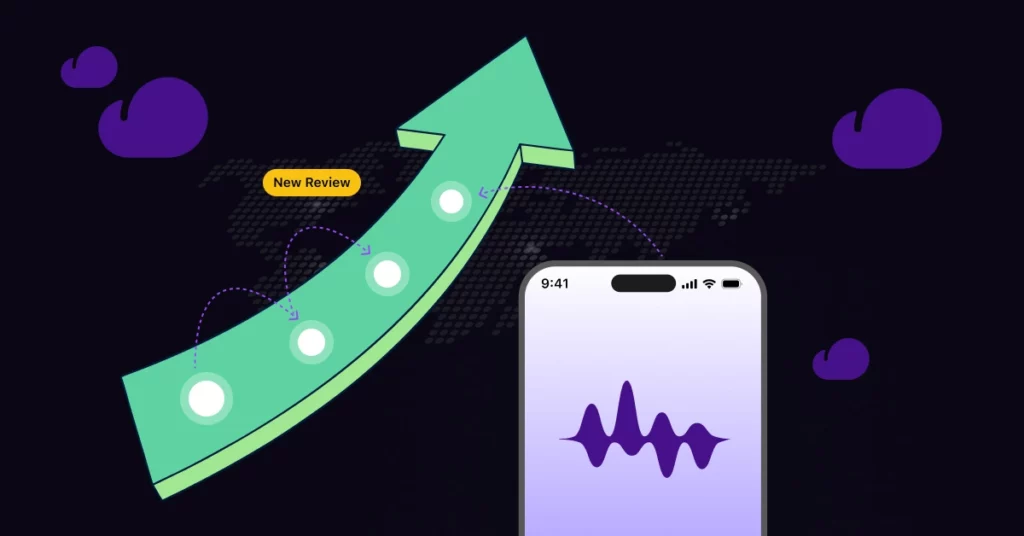
Beyond the immediate benefit of social proof, this strategy is vital for the long-term health of your digital presence.
Understanding Ranking Factors
Review quantity and “review velocity” (how often you get new reviews) are massive signals to search algorithms. Review Velocity: how often you get new reviews is a massive signal to search algorithms.
Consistent activity proves to Google that your business is alive and thriving. By automating this process, you ensure a steady drip of social proof that keeps your ranking climbing in Local Search Ranking Factors.
Respecting the Customer
However, always remember to respect the customer’s privacy. Do not spam them. One well-timed, polite voice drop is a service; harassment is not.
Conclusion
Reviews are the lifeblood of local business, but you shouldn’t have to beg for them. By shifting from cold, robotic emails to warm, personal voice messages, you tap into the human desire to help. You don’t need to be annoying to get reviews; you just need to be personal using automation.
Ready to turn your silent happy customers into 5-star advocates? Start Your Free Trial today.
FAQ’s
Is it against Google’s policy to ask for reviews?
No, provided you do not incentivize it with money or gifts. Asking for feedback is encouraged.
How do I send the link if it is a voicemail?
The best practice is to send the VoiceDrop first to make the personal connection, then follow up immediately with a simple SMS containing the direct Google Review link.
Can I use this for old customers?
Yes, you can run a “Reactivation Campaign” for past clients from the last 6 months to boost your ratings quickly.
Planning to re-engage old clients? Before you hit send, clean your database by removing disconnected numbers with the Free Phone Number Validator by 1Lookup.
