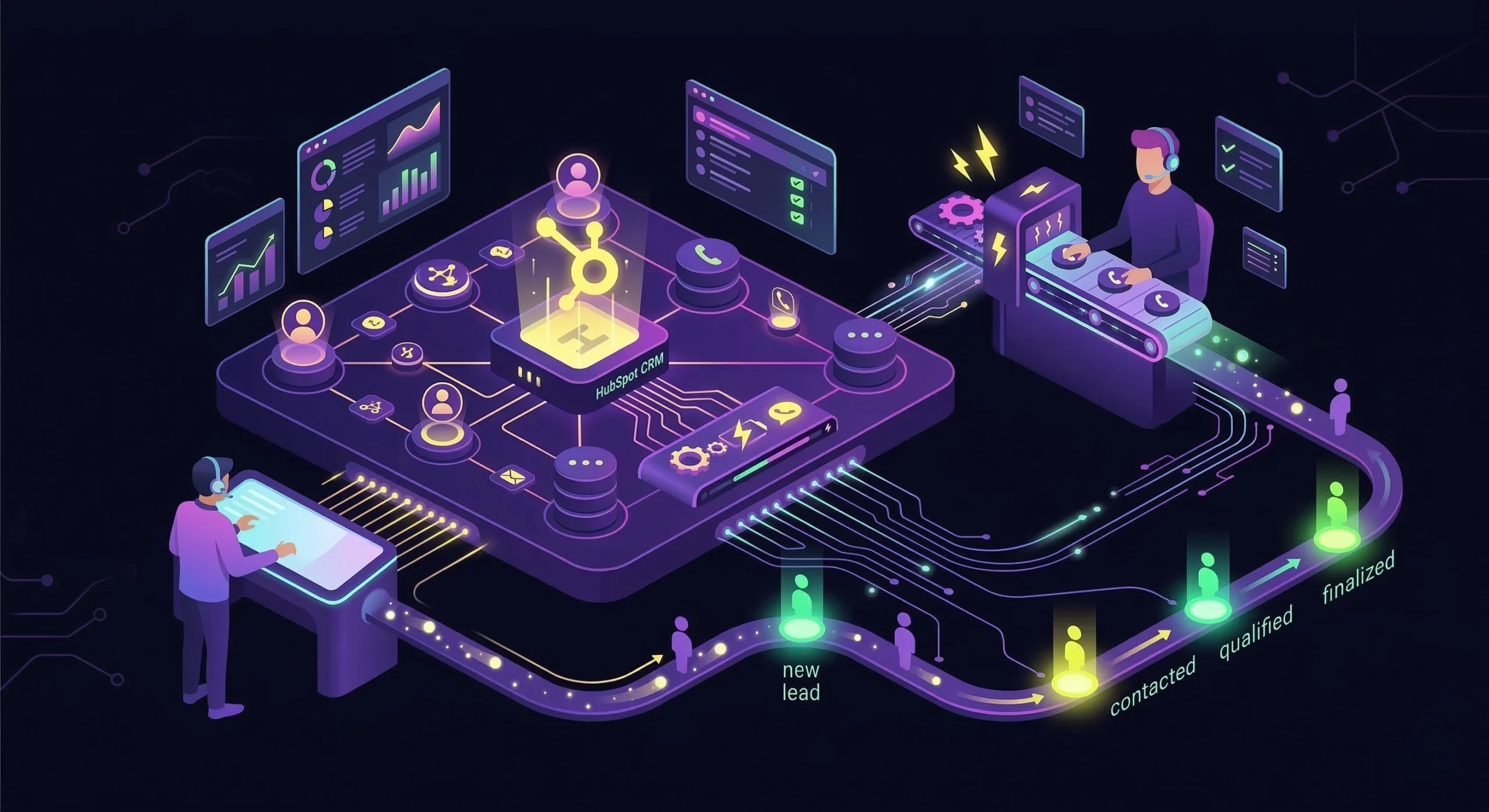
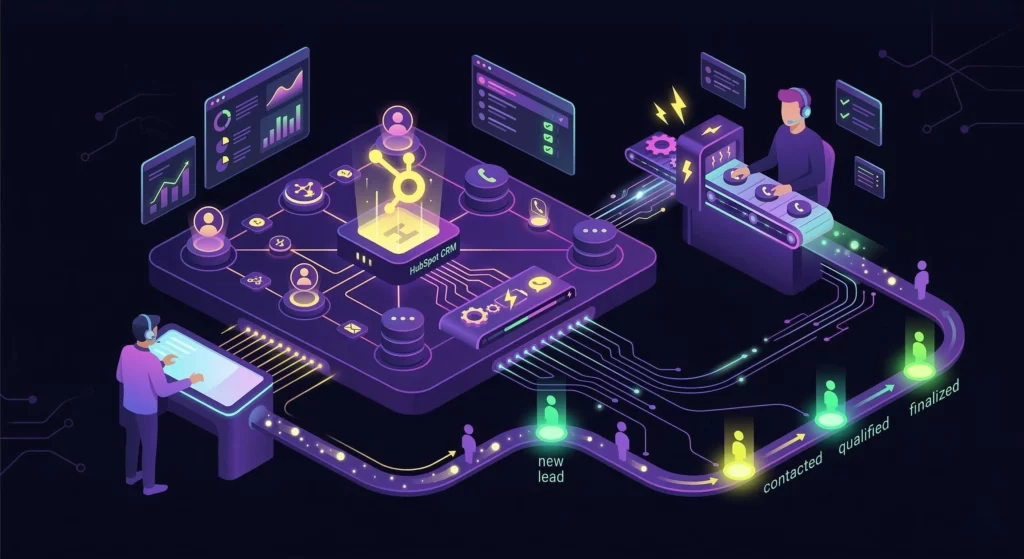
The modern sales floor is a high-speed environment, but for many teams, it runs with the parking brake on.
Imagine your top Business Development Rep (BDR). They are talented, hungry, and ready to close. But instead of selling, they are trapped in the “Alt-Tab” nightmare: switching between their CRM, a separate phone app, and a spreadsheet.
This friction doesn’t just annoy your reps; it kills your revenue.
A robust HubSpot integration with a power dialer is the only way to cut the cord on this inefficiency. It isn’t just about making calls faster; it is about creating a “Single Source of Truth.”
By integrating your telephony directly into HubSpot, you ensure that every dial, voicemail drop, and call disposition is automatically recorded in the contact’s timeline. In this guide, we will walk you through automating your outreach, cleaning up your data, and turning HubSpot into a true command center.
The High Cost of Disconnected Systems
Before we look at the solution, we must quantify the problem. If your phone system lives outside of HubSpot, you are leaking money in two specific ways:
1. The “Data Entry” Tax
Sales representatives are hired to sell, yet industry data reveals they spend only 35% of their time actually selling. The remaining 65% is consumed by administrative drudgery, manually typing “Left Voicemail” or “No Answer” into HubSpot properties.
- The Impact: If a rep makes 50 calls a day and spends 2 minutes logging each one, that is 100 minutes of lost revenue time every single day.
2. The Follow-Up Failure
Without CRM synchronization, tasks slip through the cracks. A lead might say, “Call me back in 10 minutes,” but without an automated system trigger, that lead is forgotten. In a manual workflow, follow-up relies on human memory. An integrated workflow relies on automation.
According to recent HubSpot Sales Statistics, reps spend a significant portion of their day on non-selling tasks. This inefficiency hurts the bottom line.
Core Benefits of a Native HubSpot Integration
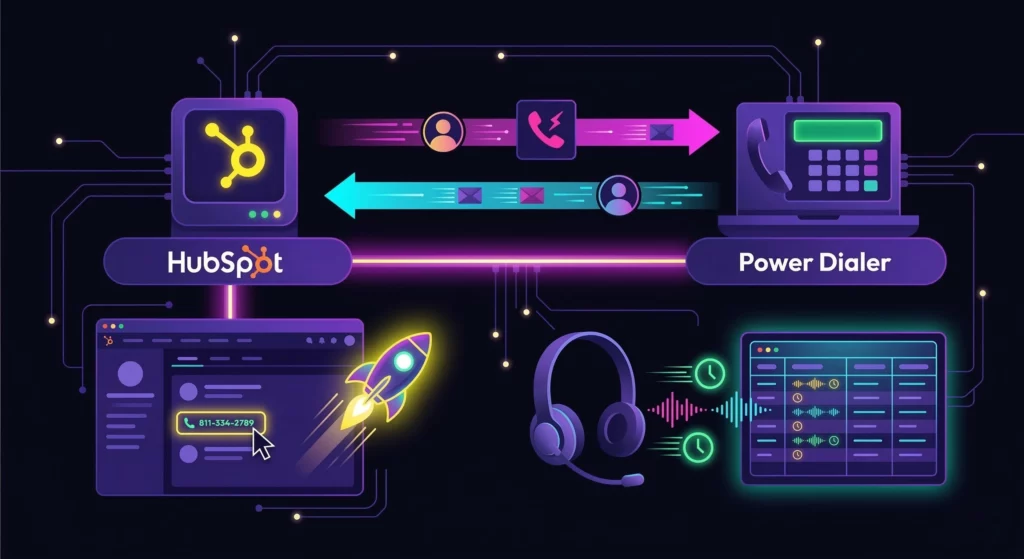
Why should a Director of Sales care about integration? The answer lies in data integrity and speed.
Bi-Directional Sync (The “Two-Way Street”)
A true integration is not a one-way dump of data. It is a conversation between systems. If a rep marks a contact as “Bad Number” in the dialer, that property must be updated instantly in HubSpot to prevent future waste.
Click-to-Call Efficiency
Speed matters in sales. Click-to-call lets reps click a phone number directly in the HubSpot dashboard. This action launches the dialer instantly. Furthermore, it eliminates the risk of misdialing, saving precious seconds on every attempt.
Automated Activity Logging
Managers stop guessing. Every call duration, recording URL, and outcome is automatically saved to the HubSpot timeline. This creates an audit trail that is essential for coaching and dispute resolution.
Step 1: Selecting the Right Features for Your Stack
Not all dialers are created equal. You must choose tools that fit your specific needs.
Power Dialing vs. Predictive Dialing
Understanding the difference is crucial for your strategy. Power dialing calls one prospect at a time. This method works best for high-ticket B2B sales where context is key. On the other hand, predictive dialing calls many numbers at once, which suits high-volume B2C environments.
Local Presence Dialing
Trust increases pickup rates dramatically. Local presence dialing displays a local area code to the prospect. As a result, people are more likely to answer the phone because the number looks familiar.
Ringless Voicemail Capabilities
Sometimes, you want to leave a message without disturbing the prospect. Software should drop a pre-recorded message if the prospect doesn’t answer. This strategy, known as Ringless Voicemail Marketing, significantly boosts response rates by delivering your pitch directly to their inboxes.
Step 2: Configuring Your VoiceDrop + HubSpot Setup
Setting up an integration should not require a degree in computer science. Here is the standard workflow for connecting VoiceDrop to your HubSpot instance.
1. API Authentication
Most modern integrations use OAuth 2.0. This allows you to securely authorize VoiceDrop to access your HubSpot data without sharing your password. Simply navigate to “Integrations,” select HubSpot, and click “Connect App.”
2. Mapping Your Dispositions (Critical Step)
You must tell the systems how to talk to each other. You need to map the “Call Outcome” in the dialer to a specific HubSpot Property.
- Example: Map Dialer Status DNC -> HubSpot Property Marketing Contact Status (Set to Non-Marketing).
- Why: This ensures that if a rep marks a lead as “Do Not Call,” they are immediately removed from all future email workflows in HubSpot.
3. Importing Smart Lists
Stop exporting CSVs. With API Connectivity, you can pull your “Active Smart Lists” from HubSpot directly into the dialer. As leads move into the “Qualified” stage in HubSpot, they automatically appear in the rep’s calling queue.
Before syncing your lists, ensure your contact data is accurate to avoid bounce-backs. Use 1Lookup to verify emails and instantly find direct-dial phone numbers for your HubSpot contacts.
Step 3: Designing Automated Workflows (The “Magic” Part)
Once the data is syncing, you can build HubSpot Workflows that trigger based on call activity. Here are three “Power Plays” to implement immediately:
Immediate Follow-Up Process
- Trigger: Call Outcome = “Connected” AND Disposition = “Interested”.
- Action: HubSpot automatically sends a templated email with the rep’s Calendar Link 5 minutes after the call ends. Additionally, this ensures timely outreach while the conversation is still fresh in the prospect’s mind.
- Result: You capitalize on the momentum and increase the chances of booking a meeting.
Voicemail Follow-Up Strategy
- Trigger: Call Outcome = “Left Voicemail”.
- Action: Create a Task for the rep to call again in 24 hours. Meanwhile, enroll the contact in a “Low-Touch” email sequence.
- Result: No lead is abandoned after a single attempt, improving overall follow-up consistency.
Lead Scoring Automation
- Trigger: Call Duration > 120 seconds.
- Action: Increase HubSpot Score by +10 points.
As a result, Marketing can quickly identify highly engaged leads, even if they have not made a purchase yet.
For technical details on building these specific automations, refer to HubSpot Workflows.
Step 4: Compliance and Data Hygiene
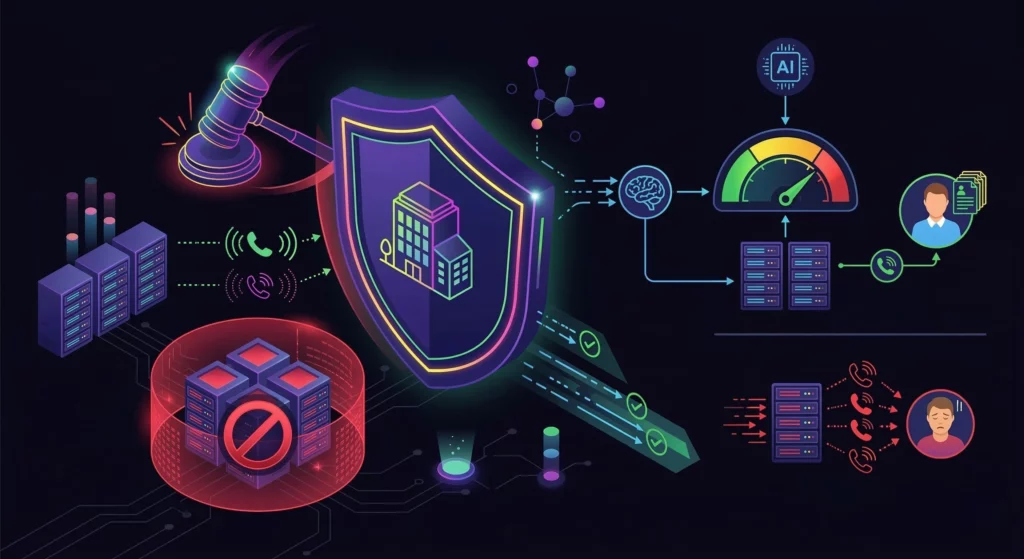
Automated calling requires strict legal adherence.
TCPA and “Do Not Call” Management
Protect your brand reputation at all costs. The integration instantly syncs DNC requests across both platforms. Therefore, you never accidentally call a verified DNC number, keeping you safe from fines.
Smart Sender Behavior
Overcalling damages the domain reputation and annoys leads. AI ensures you aren’t calling the same lead 5 times a day. You can Measure Voice Messages to ensure your campaigns remain compliant and effective.
Step 5: Measuring Success with Analytics
Prove the ROI to your stakeholders with hard data.
Connection Rate Reports
Data drives better decisions. Track which lists from HubSpot perform best. This insight allows you to refine your targeting strategy and focus on high-yield segments.
Suffering from low connection rates? It often stems from outdated contact information. Boost your answer rates by enriching your lead lists with fresh data from 1Lookup’s skip tracing. 1Lookup is built by the same team as VoiceDrop.
Agent Activity Leaderboards
Competition drives performance among reps. See who makes the most calls. Additionally, identify which ” Appointment Set ” ratio has the highest to reward top performers.
Listening to Call Recordings
Quality assurance is vital for growth. Use the HubSpot timeline links to review calls. This practice helps train new hires and improve overall pitch quality.
Conclusion
Speed and data integrity are your only competitive advantages in 2026. A manual sales floor is chaotic, but integration bridges the gap between raw activity and actionable intelligence.
By connecting your power dialer directly to HubSpot, you transform your team from “data entry clerks” back into a disciplined revenue engine. Eliminate manual logging, enforce a “Single Source of Truth,” and ensure every call is captured automatically.
Ready to double your output? Stop wasting time on spreadsheets.
Get a Free Demo of VoiceDrop to see the integration in action.
FAQs
Does the integration work with the free version of HubSpot?
API limitations are common in free versions. You usually need a paid Sales Hub seat to enable full two-way sync and advanced automation.
Can I record calls directly into the HubSpot timeline?
Yes, absolutely. Most integrations allow recording links to be stored directly in the activity feed for easy access and review.
How fast is the data sync?
Speed is essential for accurate dialing. The sync is usually near real-time. This speed prevents double-calling and ensures data accuracy across your team.